SlideServe
Menu
Préférences
© SlideServe · v2026

Components of a computer

arnold avatar
11 diapositives · 677 Views · Jul 20, 2014

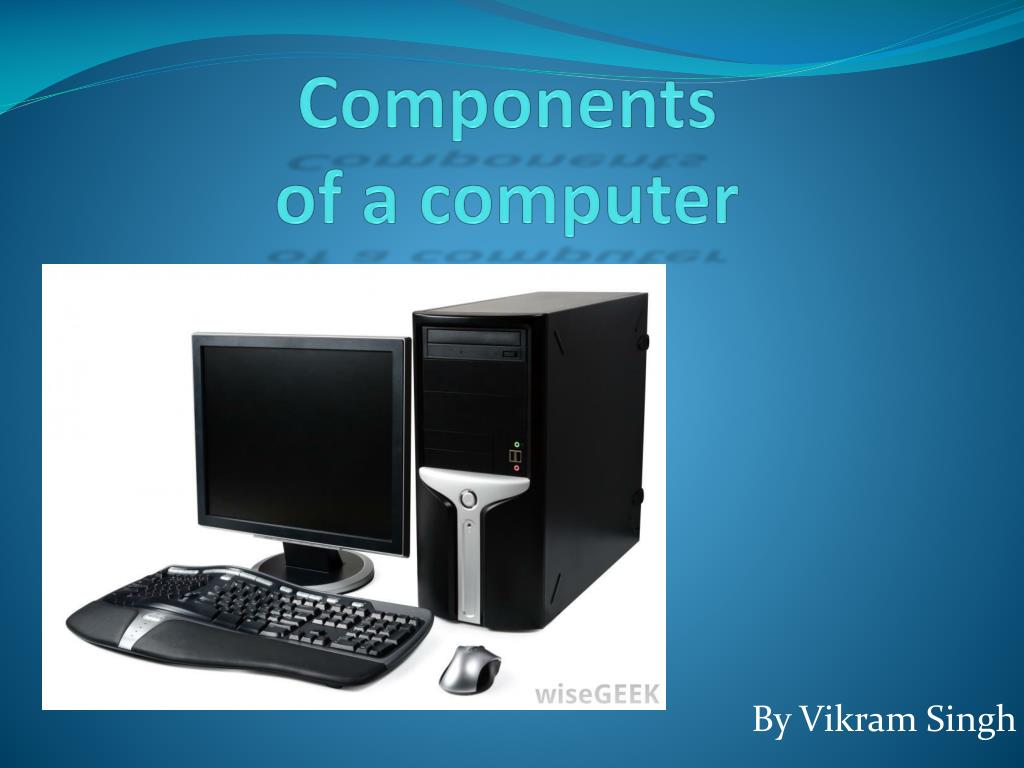
Components of a computer. By V ikram S ingh. Inside of a computer. C.P.U. The CPU (Central Processing Unit), is the brain of the computer.
Components of a computer - slide 1
01 / 11Components of a computer
1 / 17

Télécharger la présentation

Components of a computer
Une image / un lien ci-dessous est fourni (tel quel) pour télécharger la présentation

Politique de téléchargement : le contenu du site vous est fourni TEL QUEL pour votre information et votre usage personnel ; il ne peut être vendu, concédé sous licence ni partagé sur d’autres sites sans l’accord de son auteur.Le contenu vous est fourni TEL QUEL, pour votre information et votre usage personnel uniquement. Téléchargez la présentation en cliquant sur ce lien. Lors du téléchargement, si vous ne parvenez pas à télécharger une présentation, l’éditeur a peut-être supprimé le fichier de son serveur.Pendant le téléchargement, si vous ne parvenez pas à obtenir une présentation, le fichier a peut-être été supprimé par l’éditeur.

F I N

Plus de contenu associé

Transcription de la présentation
  1. Components of a computer By VikramSingh

  2. Inside of a computer

  3. C.P.U • The CPU (Central Processing Unit), is the brain of the computer. • The computer CPU is responsible for handling all instructions and calculation it receives from other hardware components in the computer and software programs running on the computer. • The CPU is attached to the motherboard using a locking system.

  4. Hard Drive • A hard drive is something that holds files, music, documents and downloads etc. • There are different types of hard drive, external hard drives, they are hard drives that are plugged into the , internal hard drives. External hard drive that connects via USB Internal Hard Drive

  5. Fans • The fans are used to cool the inside components like the CPU • The fans is connected to the Motherboard by a 3/4 pin Molex connector • The fan draws in cold air and expels hot air for better circulation • They prevent components on the motherboard from overheating

  6. Optical Drive • An optical drive is a disc drive that uses electromagnetic waves or light beams to read a disc • They are connected through a IDE cable

  7. Ram • Random access memory (RAM) is a form of computer data storage • that allow stored data to be accessed in any order • SRAM (static ram) does not need to be periodically refreshed • DRAM (dynamic ram) does need to be periodically refreshed

  8. USB connector • USB (Universal Serial Bus) • Developed in 1990s • Used for communication • Supply's power between electronic devices

  9. Input devices • Any peripheral used to provided data and control signals • Keyboard • Mouse • Controller • joystick

  10. Output devices • An output device is any piece of computer hardware equipment used to communicate the results of data processing carried out by an information processing system Speakers Monitor Printer/ Fax

  11. Any queries? Thank you