Effective Presentation Formatting Tips for Clarity and Consistency
Enhance your presentation with clear formatting guidelines. Utilize initial capitalization in titles and bullet points for a consistent look. Ensure bullet text follows proper noun capitalization rules and avoids the use of periods unless it's a complete sentence. Keep your slides visually appealing by maintaining alignment and avoiding widows or orphans. Remember to replace photos strategically, matching their size and placement for cohesion. By following these tips, your text layout will be more readable and professional.

Effective Presentation Formatting Tips for Clarity and Consistency
E N D
Presentation Transcript
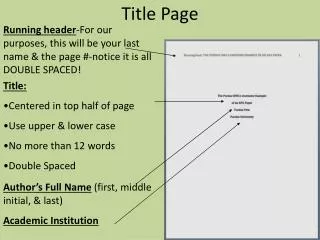
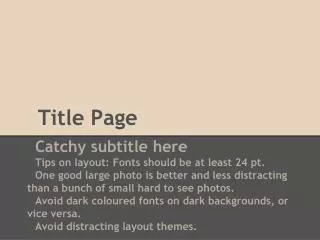
Title PageTitles are Initial Cap Sub-titles are Initial Cap Click the reset button to impose formatting Replace the photo, match size and placement
Titles Should be Shortand Initial Cap Word • Bullet text slide sample • Text – the first letter of the bullet point is capitalized, then only proper nouns are capped • Click the reset button to impose formatting • Periods are only used if a complete sentence
Examples of Good Text Layout • Use “Ctrl Enter” to force copy to the next line, and for a better looking text block • For example: widows and orphans (2-3 letter words at the end of a line of copyexample: and, to, a, for, the, is) • Also try not to isolate a final word on a line of text, its hard to read example
Section Header Replace the photo, match size and placement