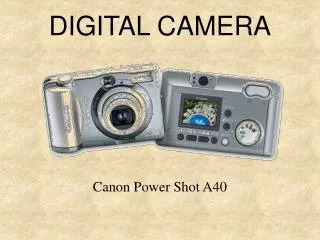
Digital Camera
Discover the essentials of digital photography in our engaging mini workshop! Learn to operate digital cameras, modify image files, and effectively use visuals in MS Word, Publisher, email, and web pages. We'll cover the basic components of a camera, types of digital cameras, and the steps to capture stunning photos. Understand image resolution and how to tailor camera purchases to fit your needs. Whether you're a beginner or looking to enhance your skills, join us for this informative experience and unlock your creative potential!

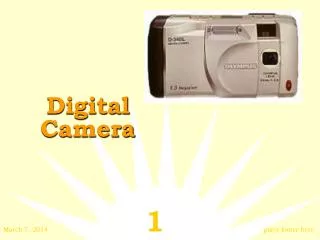
Digital Camera
E N D
Presentation Transcript
Digital Camera Information Technology Mini Workshop
Objectives • Course Description: Use printed images in publications, e-mail, and web pages with these versatile tools! Learn to operate basic components of digital cameras, modify files of images/pictures, use images/pictures in MS Word, MS Publisher, web pages, or as attachments in e-mail programs. Tailor equipment purchases to your individual needs. • What is digital photography? • Parts of a camera • Finding the right camera • Seven steps to fabulous digital photos
What is Digital Photography? • Operate similar to a 35mm film camera • Use same fundamental parts • Main difference: Capturing the image
Saves money Saves time Instant viewing Edit or delete photos Prevents waste Creativity freedom Choose best images Formatted for WEB or e-mail use Allows storage on PC Why Go Digital?
Digital Images • Digital cameras produce digital images • Images made up of pixels • Quality of image depends on number of pixels (sometimes referred to as resolution) • Higher resolution=more pixels=larger file size • JPEG files
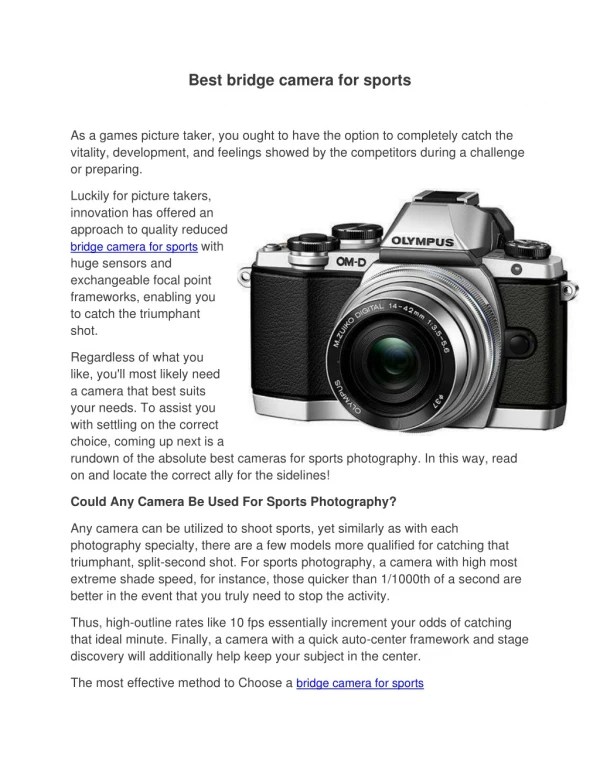
Types of Digital Cameras • Point & Shoot • Multi-mega pixel • Professional: $3K - $20K and more • Digital video: Short video & still images • Specialty: incorporated into other devices such as laptops, PDAs
Is it Time to Buy? • More expensive than traditional with same features • Not as good as traditional • Can always scan photos to create images • Lower prices and newer technology always just around the corner
Image Sensors Image SensorResolution Lens Exposure Frame Rate Autoflash Preview Screens Batteries Storage Removable Fixed Parts of a Camera
Finding the Right Camera • What is your budget? • How much resolution is enough? • Is small size always better? • Will it be compatible with my PC? • What will I need to print my digital photos? • Which features will meet my special needs?
7 Steps to Fabulous Digital Photos • Pick the right image editor • Import your pictures • Align & Trim your photos • Adjust color and clarity • Remove Blemishes • Add final Touches • Print and Display