
Uploaded by
betty
19 SLIDES
312 VUES
190LIKES
Debugging in Eclipse: Utilizing F5, F6, and F7 Keys Effectively
DESCRIPTION
In this guide, we will explore how to debug Java applications using Eclipse's debug mode, focusing on the functionalities of the F5, F6, and F7 keys. F5 allows you to step into methods, giving you a closer look at the execution flow. F6 lets you step over lines of code, executing them without going into details. F7 enables you to step out of the current method, returning to the calling method. Understanding these keys can significantly enhance your debugging efficiency. Let's dive into their purposes in detail!
Download

1 / 19
Télécharger la présentation 
Debugging in Eclipse: Utilizing F5, F6, and F7 Keys Effectively
An Image/Link below is provided (as is) to download presentation
Download Policy: Content on the Website is provided to you AS IS for your information and personal use and may not be sold / licensed / shared on other websites without getting consent from its author.
Content is provided to you AS IS for your information and personal use only.
Download presentation by click this link.
While downloading, if for some reason you are not able to download a presentation, the publisher may have deleted the file from their server.
During download, if you can't get a presentation, the file might be deleted by the publisher.
E N D
Presentation Transcript
How to debug in Eclipse Lab 9
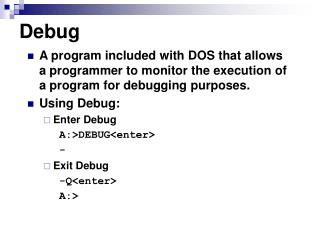
F5, F6 and F7 • Lets discuss the purpose of F5, F6 and F7 keys in Debug mode.














More Related