Simple Spell Checker Application Using Dictionary File
Create a spell checker application where users can input text into a text box. When the user selects the "Spell" option, the application will check the entered words against a dictionary stored in a text file. Words not found in the dictionary will be flagged, enhancing text accuracy. The dictionary file contains space-separated words, and the application utilizes the String's `indexOf()` method for checks. The text file is read using an InputStream. The application provides an easy way for users to ensure their spelling is correct.

Simple Spell Checker Application Using Dictionary File
E N D
Presentation Transcript
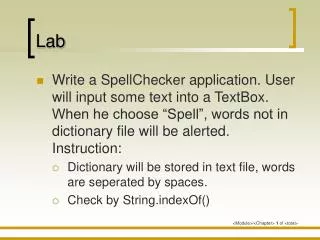
Lab • Write a SpellChecker application. User will input some text into a TextBox. When he choose “Spell”, words not in dictionary file will be alerted.Instruction: • Dictionary will be stored in text file, words are seperated by spaces. • Check by String.indexOf()
Read text file into String InputStream is = this.getClass().getResourceAsStream(“/dic.dat"); String message = ""; int ch; while (-1 != (ch = is.read())) { message = message + (char)ch; }