Creating Effective Scientific Posters with Microsoft PowerPoint: A Step-by-Step Guide
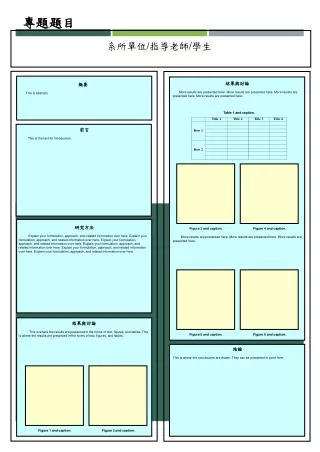
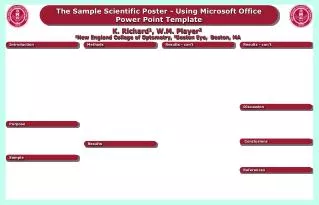
This poster demonstrates the process of designing impactful scientific posters using the Microsoft Office PowerPoint template. It provides an overview of the essential components, including introduction, methods, results, discussion, purpose, and conclusions. The poster focuses on best practices for clarity, layout, and visual appeal, ensuring researchers can effectively communicate their findings at conferences and academic gatherings. It highlights key elements to consider while using PowerPoint for poster presentations, including design tips and layout strategies for maximum engagement.

Creating Effective Scientific Posters with Microsoft PowerPoint: A Step-by-Step Guide
E N D
Presentation Transcript
The Sample Scientific Poster - Using Microsoft Office Power Point Template K. Richard1, W.M. Player21New England College of Optometry, 2Boston Eye, Boston, MA Introduction Methods Results - con’t Results - con’t Discussion Purpose Conclusions Results Sample References