Important Budget Status Update Prior to Final Action Date
This overview details the procedure for monitoring budget status leading up to the Final Action Date (FAD) as indicated in the Notice of Expiration (NOE). If the Grant Contract Authority (GCA) does not receive communication from the departments by the FAD, the closing process will automatically commence. Upon completion of transactions, the budget will transition to Status 4, and Accounting Flag 24 may be applied to prevent budget purging at the biennium's end. It is crucial to notify GCA of any pending extensions or supplements before the FAD.

Important Budget Status Update Prior to Final Action Date
E N D
Presentation Transcript
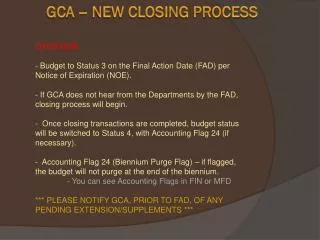
OVERVIEW: • - Budget to Status 3 on the Final Action Date (FAD) per Notice of Expiration (NOE). • If GCA does not hear from the Departments by the FAD, closing process will begin. • Once closing transactions are completed, budget status will be switched to Status 4, with Accounting Flag 24 (if necessary). • Accounting Flag 24 (Biennium Purge Flag) – if flagged, the budget will not purge at the end of the biennium. • - You can see Accounting Flags in FIN or MFD • *** PLEASE NOTIFY GCA, PRIOR TO FAD, OF ANY PENDING EXTENSION/SUPPLEMENTS *** GCA – NEW CLOSING PROCESS