

SlideServe
Menu
Préférences
© SlideServe · v2026

3D Vision

chavi avatar
11 diapositives · 289 Views · Jul 13, 2014

15.03.2013. 3D Vision. Robert Sablatnig Tutoren: Manuel Keglevic , Fabian Hollaus. Lecture Schedule. 3D scanning [April 8 th – April 19 th ] Tutorium Pac-Man Room [HEEG04] Thursday [ 14:00 – 16:00 ] Friday [ 12:00 – 14:00 ] Deadlines Final Model after presentation
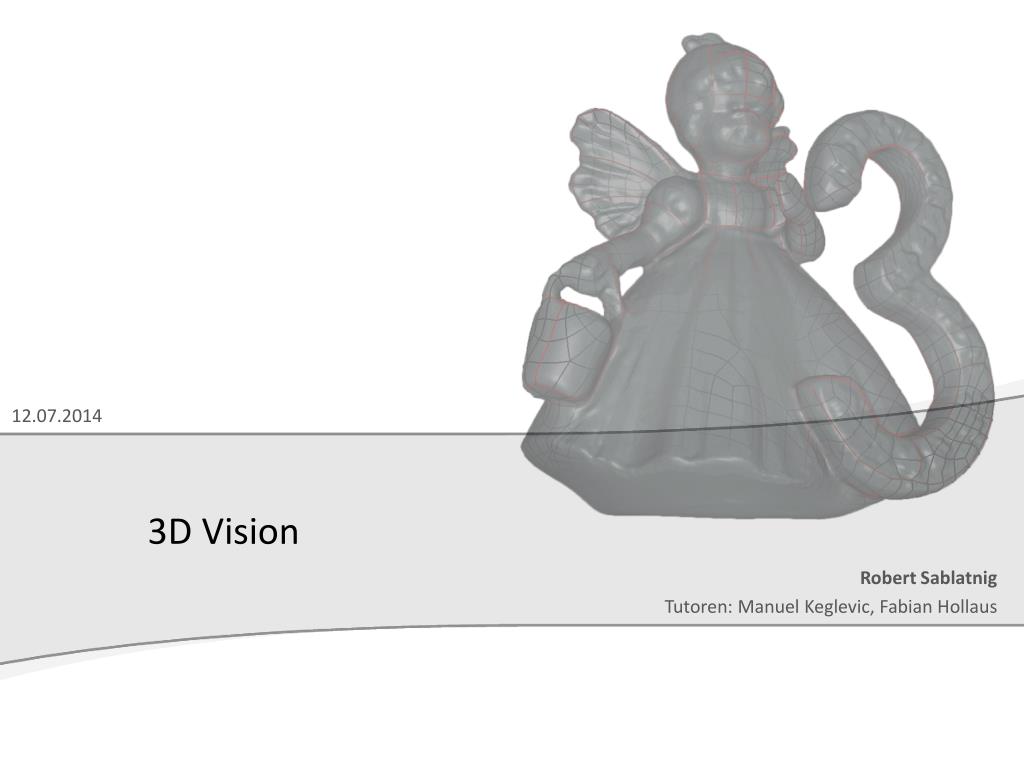
3D Vision - slide 1
01 / 113D Vision
1 / 17

Télécharger la présentation

3D Vision
Une image / un lien ci-dessous est fourni (tel quel) pour télécharger la présentation

Politique de téléchargement : le contenu du site vous est fourni TEL QUEL pour votre information et votre usage personnel ; il ne peut être vendu, concédé sous licence ni partagé sur d’autres sites sans l’accord de son auteur.Le contenu vous est fourni TEL QUEL, pour votre information et votre usage personnel uniquement. Téléchargez la présentation en cliquant sur ce lien. Lors du téléchargement, si vous ne parvenez pas à télécharger une présentation, l’éditeur a peut-être supprimé le fichier de son serveur.Pendant le téléchargement, si vous ne parvenez pas à obtenir une présentation, le fichier a peut-être été supprimé par l’éditeur.

F I N

Plus de contenu associé

Transcription de la présentation
  1. 15.03.2013 3D Vision Robert Sablatnig Tutoren: Manuel Keglevic, Fabian Hollaus

  2. Lecture Schedule • 3D scanning[April 8th– April 19th] • Tutorium • Pac-Man Room [HEEG04] • Thursday[14:00 – 16:00 ] • Friday[12:00 – 14:00 ] • Deadlines • Final Modelafter presentation • Presentation between 24.06 and 28.06 more TBA • Documentation after presentation 3D Vision 2013

  3. 3D Scanning • Team size • 2-3 students • Tasks: • Scan an objectwithourMinolta(near-range) scanner • Photograph thesameobjectandapply aStructurefrom Motion program(Autodesk 123D Catch) • Comparetheoutputs 3D Vision 2013

  4. Structurefrom Motion • Autodesk 123D Catch • YoucanadditionallyusePhotosynth, VisualSFM • Tasks • Take photographs (byyourselforattheinstitute) • Export objectas *.obj • In Geomagic: • Noise removal Waterproof 3D model not necessary, but nice-to-have • Compareoutputtoscannedobject 3D Vision 2013

  5. Example 3D Vision 2013

  6. 3D Scanning - Minolta T • Near-range laser scanner • Triangulation • 1 object per student • Chosen by the teams • Object‘s size: apple - chair • Tasks • Noise removal, registration and merging • Waterproof 3D Model • Evaluation 3D Vision 2013

  7. The Object • Dos • Choose an object which you can access througout the whole term • Ideally a waterproof object • Ideally an object having the size of a pineapple (Ananas) • Don‘ts • Not too many concavities [no pineapple] • Black, transluscent materials are hard to scan 3D Vision 2013

  8. Documentation • 2-4 pages per student • Show intermediate results • Give a short evaluation (meassure the scanner‘s accuracy) • Write about the lessons learned when modelling your object • Do not explain how the scanner works 3D Vision 2013

  9. Presentation • Length • 5-7 minutes • Maximally 12 slides (including title page) • Content • Point out troubles when modelling your object • Give a short evaluation • Compare the model‘s volume with the physical one 3D Vision 2013

  10. Registration isnow open. Pleaseregisterforthecourse via TISS. thank you

  11. Gruppeneinteilung • Minolta • Montag – Freitag (04. – 15. April) • Metris • Montag – Freitag (04. – 15. April) • Riegl • Montag – Freitag (04. – 15. April) 3D Vision 2013