Understanding MATLAB 2D Plots: fplot, Polar Plots, and Subplots for Engr 1181
This presentation by Annie Abell covers essential tools for creating 2D plots in MATLAB. It begins with the `fplot` command, which allows for plotting functions of a single variable described as strings. An example is provided for plotting the function (y = x^3 + 2x^2 - 5) within the interval (-3 < x < 3). The presentation also explores polar plots using the `polar` command, requiring equal-length vectors for (r) and (theta). Finally, subplots are introduced with the `subplot` command for organizing multiple plots, enhancing data visualization in engineering applications.


Understanding MATLAB 2D Plots: fplot, Polar Plots, and Subplots for Engr 1181
E N D
Presentation Transcript
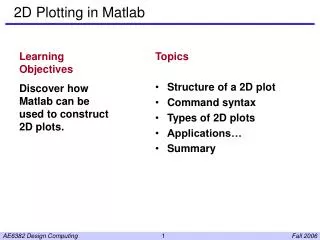
MATLAB 2D Plots II ENGR 1181 Presentation by Annie Abell
The fplot Command fplot('function', [limits]) • The fplot command lets you plot a function • Only one variable can be referenced in the function • Function is entered as a string
The fplot Command Plot the function y = x^3 + 2x^2 -5 for -3<x<3: >> x=0 >>fplot('x^3 + 2*x^2 -5', [-3,3])
Polar Plots polar (theta, r) • The polar command plots functions with coordinates r andƟ. • r and Ɵ must be equal length vectors. • Use 'hold on, hold off' to plot multiple curves.
Subplots subplot(rows, columns, plot #) • Use before typing the plot command • Specifies the location of the subsequent plot