
SlideServe
Menu
Préférences
© SlideServe · v2026

Tips for Using Videos in E-learning

commlabindia avatar
28 diapositives · 426 Views · May 26, 2014

Learn the factors that need to be kept in mind when using videos in eLearning courses in this free presentation.
Tips for Using Videos in E-learning - slide 1
01 / 28Tips for Using Videos in E-learning
1 / 17

Télécharger la présentation

Tips for Using Videos in E-learning
Une image / un lien ci-dessous est fourni (tel quel) pour télécharger la présentation

Politique de téléchargement : le contenu du site vous est fourni TEL QUEL pour votre information et votre usage personnel ; il ne peut être vendu, concédé sous licence ni partagé sur d’autres sites sans l’accord de son auteur.Le contenu vous est fourni TEL QUEL, pour votre information et votre usage personnel uniquement. Téléchargez la présentation en cliquant sur ce lien. Lors du téléchargement, si vous ne parvenez pas à télécharger une présentation, l’éditeur a peut-être supprimé le fichier de son serveur.Pendant le téléchargement, si vous ne parvenez pas à obtenir une présentation, le fichier a peut-être été supprimé par l’éditeur.

F I N

Plus de contenu associé

Transcription de la présentation
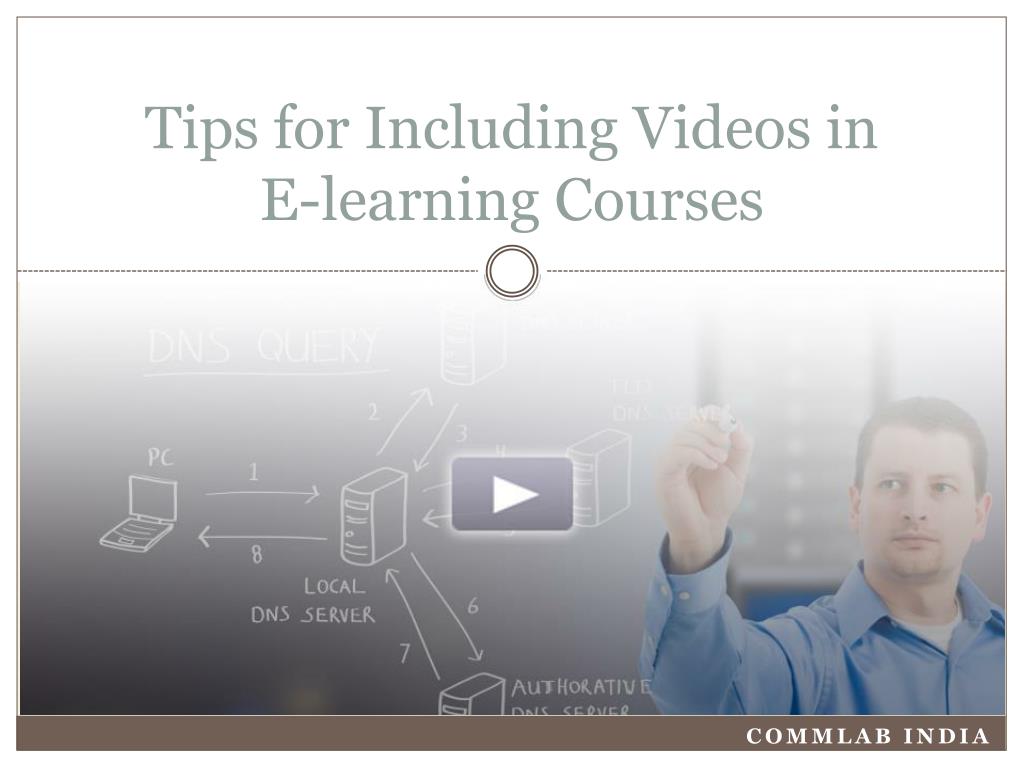
  1. Tips for Including Videos in E-learning Courses CommLab India

  2. I will need 5 million years * to watch all the video that crosses global IP networks Source: CISCO

  3. 69% of all consumer Internet traffic in 2017 will constitute videos.

  4. Videos in E-learning • People love watching videos. • So, why not include them in eLearning courses?

  5. Videos in E-learning “Simply incorporating videos into eLearning environments may not always be sufficient to improve learning”. - Zhang et al, 2005 Ref: Zhang, D., Zhou, L., Briggs, R. O., & NunamakerJr, J. F. (2006). Instructional video in e-learning: Assessing the impact of interactive video on learning effectiveness. Information & Management, 43(1), 15-27.

  6. Videos in E-learning • Videos need to be tailored to suit the courses • They must be included only when there is a clear instructional purpose.

  7. Where can you use videos?

  8. Where Can You Use Videos? • Product Training

  9. Where Can You Use Videos? • Application Walkthrough

  10. Where Can You Use Videos? • Interpersonal or Behavioral Aspects

  11. Where Can You Use Videos? • Animated Videos for Process Training

  12. Where Can You Use Videos? • Convey key concept/message

  13. Factors to consider when using videos

  14. Factors to Consider When Using Videos • Target audience

  15. Factors to Consider When Using Videos • Budget and Resources

  16. Factors to Consider When Using Videos • File Size and Band Width

  17. Factors to Consider When Using Videos • Hosting and File Format

  18. Tips for Including Videos in E-learning Courses

  19. Tips For Including Videos • Make videos interactive • include progress bar, play/pause buttons

  20. Tips For Including Videos • Use short videos

  21. Tips For Including Videos • Keep file sizes small

  22. Tips For Including Videos • Ensure compatibility with • Authoring Tools • LMS • SCORM

  23. Tips For Including Videos • Animated or cartoon videos are more cost-effective

  24. Tips For Including Videos • Think long-term • How easy is it to revise, edit or update in future?

  25. Tips For Including Videos • Include transcripts • Consider complex subject matter & unfamiliar accents

  26. Tips For Including Videos • Exercise balance • Too many videos may be distracting

  27. Tips For Including Videos • Videos must be included only when there is a clear instructional purpose. • They should effectively replace the use large textual content. • They need to be used wisely to provide the best possible learning experience.

  28. To read articles on similar topics, please visit blog.commlabindia.com Thank you