
SlideServe
Menu
Préférences
© SlideServe · v2026

Enhancing Learning Through Visual Search: Engaging Visual and Kinesthetic Learners

conan avatar
22 diapositives · 353 Views · Jul 16, 2014

This webinar, hosted by Doug Henry, explores effective visual search techniques to support diverse learning styles. With the explosion of data online, recognizing how to navigate it is crucial. The session covers tools like Google Wonder Wheel, which enhance keyword selection and clustering, making searches more interactive for visual and kinesthetic learners. Discover how different search engines operate and their appeal to various learning modalities. Learn how to organize and analyze data effectively to transform it into meaningful knowledge.
Enhancing Learning Through Visual Search: Engaging Visual and Kinesthetic Learners - slide 1
01 / 22Enhancing Learning Through Visual Search: Engaging Visual and Kinesthetic Learners
1 / 17

Télécharger la présentation

Enhancing Learning Through Visual Search: Engaging Visual and Kinesthetic Learners
Une image / un lien ci-dessous est fourni (tel quel) pour télécharger la présentation

Politique de téléchargement : le contenu du site vous est fourni TEL QUEL pour votre information et votre usage personnel ; il ne peut être vendu, concédé sous licence ni partagé sur d’autres sites sans l’accord de son auteur.Le contenu vous est fourni TEL QUEL, pour votre information et votre usage personnel uniquement. Téléchargez la présentation en cliquant sur ce lien. Lors du téléchargement, si vous ne parvenez pas à télécharger une présentation, l’éditeur a peut-être supprimé le fichier de son serveur.Pendant le téléchargement, si vous ne parvenez pas à obtenir une présentation, le fichier a peut-être été supprimé par l’éditeur.

F I N

Plus de contenu associé

Transcription de la présentation
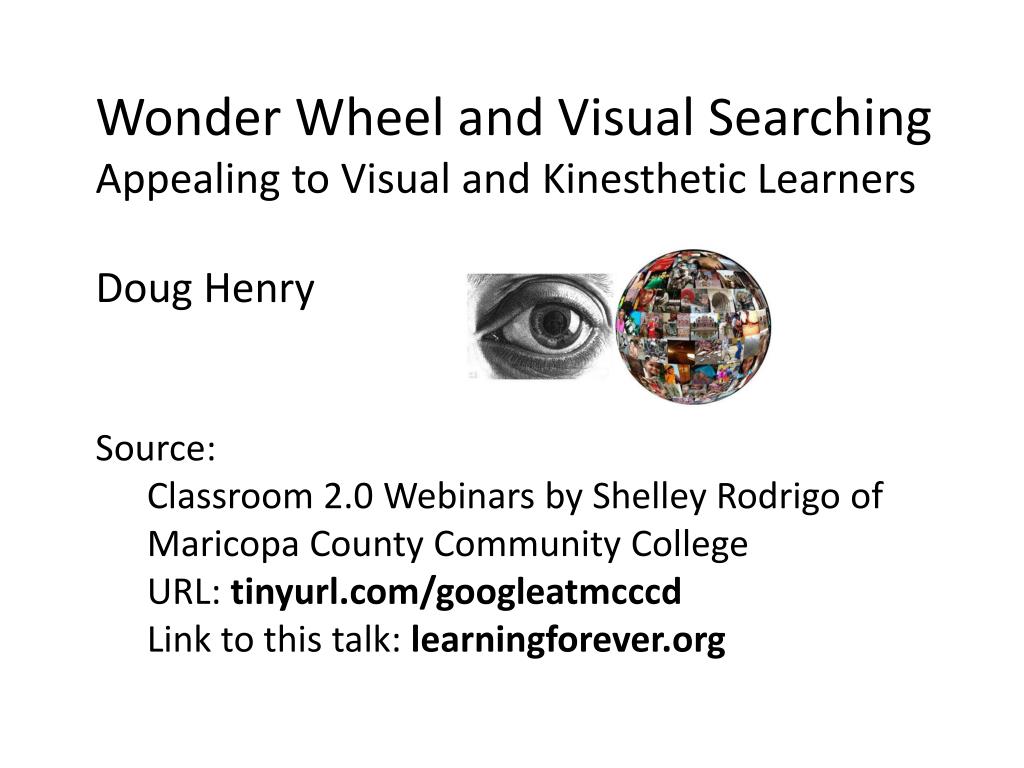
  1. Wonder Wheel and Visual Searching • Appealing to Visual and Kinesthetic Learners • Doug Henry • Source: • Classroom 2.0 Webinars by Shelley Rodrigo of • Maricopa County Community College • URL: tinyurl.com/googleatmcccd • Link to this talk: learningforever.org

  2. Tinyurl.com/googleatmcccd – Webinar Schedule

  3. Searching on the Internet • Volume of data • Data is still exploding • Internet: 5M Terabytes, increasing by 100 Tb/Mo • Brain: 10Tb stored data - maybe more, because of better compression and indexing • Quality of the data • "There are four kinds of lies: Lies, damned lies, statistics - and the Internet" Mark Twain (if he were still around) • Goal: Data-(organize)->Information-(Analyze)->Knowledge

  4. Student Searching Problems • Search term/keyword selection - wrong keywords, extraneous words, inexperience with advanced searching • Shallow searching - only looking at first page of hits • Searching too widely, too deeply, or in the wrong direction • Searching in the wrong dimension • Clustering and organizing hits

  5. Search Engines and Browsers • Different algorithms - Google (crawlers and keywords/tags) vs Yahoo (human indexing) • Ordinary search interfaces appeal to read/write learners • Visual search engines appeal to visual and even kinesthetic learners

  6. Example: Google Wonder Wheel • Introduced 2009 • Wheel display of related searches • Based on keywords, similarity • Simple interaction • Using Wonder Wheel • Run Google search – look on left • Turn off Search Settings>instant search • Browser-dependent (IE may not work) • Several videos on Youtube (listed at end)

  7. Google Image Swirl – Wonder Wheel for Images

  8. Timeline – Adding a Search Dimension

  9. Google Squared – Building a Spreadsheet

  10. Google Adwords – Formerly Google Keyword Tool

  11. Applications of Visual Searching – Keyword Highlighting Yolink

  12. Applications of Visual Searching • 1. Appealing to different styles of learning • Read/write learners - ordinary search engine results • Visual - search "visual search engines" - e.g. • http://www.masternewmedia.org/top-visual-search-engines-the-most-interesting-ways-to-visually-explore-search-engine-results/ (2009)

  13. Applications of Visual Searching • Visual and kinesthetic learners – moving and interaction http://diplomaguide.com/articles/30_of_the_Best_Educational_Tools_for_Auditory_Visual_and_Kinesthetic_Learners.html (2008) Search-cube Surfity

  14. Applications of Visual Searching - Kinesthetic Learners Touchgraph

  15. Applications of Visual Searching - Kinesthetic Learners Visuwords learning

  16. Applications of Visual Searching - Kinesthetic Learners DoodleBuzz

  17. Applications of Visual Searching • 2. Organizing and clustering hits • Group work – e.g. assign each group a "spoke“ from Wonder Wheel • Suggest new topics for assignments to group members Quintura

  18. Applications of Visual Searching- Organizing Hits Queens Library Aqua – words only…

  19. In Summary: • Visual searching with tools like Wonder Wheel can engage and assist visual and kinesthetic learners • Automatic detection of related searches can suggest new or different topics and assist in group work • Clustering and organizing of search hits can aid in the transformation of data into knowledge

  20. Some Youtube Links: • Wonder wheel keyword + timeline • http://www.youtube.com/watch?v=RGxOPUNzBj4&feature=related • Wonder wheel + timeline • http://www.youtube.com/watch?v=qDnmQ9Mmj1Q&feature=related • Google keyword tool • http://www.youtube.com/watch?v=ZDB6 • Visual search engines • http://www.youtube.com/watch?v=6RrWoNKy-WI&feature=related