
SlideServe
Menu
Préférences
© SlideServe · v2026

Welcome to Technology Class

cullen-head avatar
8 diapositives · 248 Views · Nov 11, 2014

Hello! I’m Ms. Peraino, and I’m excited to guide you through our Technology class this year. With experience teaching at various elementary schools, my goal is to help each student enhance their technology skills in a safe and supportive environment. We’ll focus on 21st-century skills like communication, collaboration, critical thinking, and creativity. In our computer lab, students will practice typing, learn effective internet research, create documents, organize data, and play educational games. Let’s have a fantastic tech year together!
Welcome to Technology Class - slide 1
01 / 8Welcome to Technology Class
1 / 17

Télécharger la présentation

Welcome to Technology Class
Une image / un lien ci-dessous est fourni (tel quel) pour télécharger la présentation

Politique de téléchargement : le contenu du site vous est fourni TEL QUEL pour votre information et votre usage personnel ; il ne peut être vendu, concédé sous licence ni partagé sur d’autres sites sans l’accord de son auteur.Le contenu vous est fourni TEL QUEL, pour votre information et votre usage personnel uniquement. Téléchargez la présentation en cliquant sur ce lien. Lors du téléchargement, si vous ne parvenez pas à télécharger une présentation, l’éditeur a peut-être supprimé le fichier de son serveur.Pendant le téléchargement, si vous ne parvenez pas à obtenir une présentation, le fichier a peut-être été supprimé par l’éditeur.

F I N

Plus de contenu associé

Transcription de la présentation
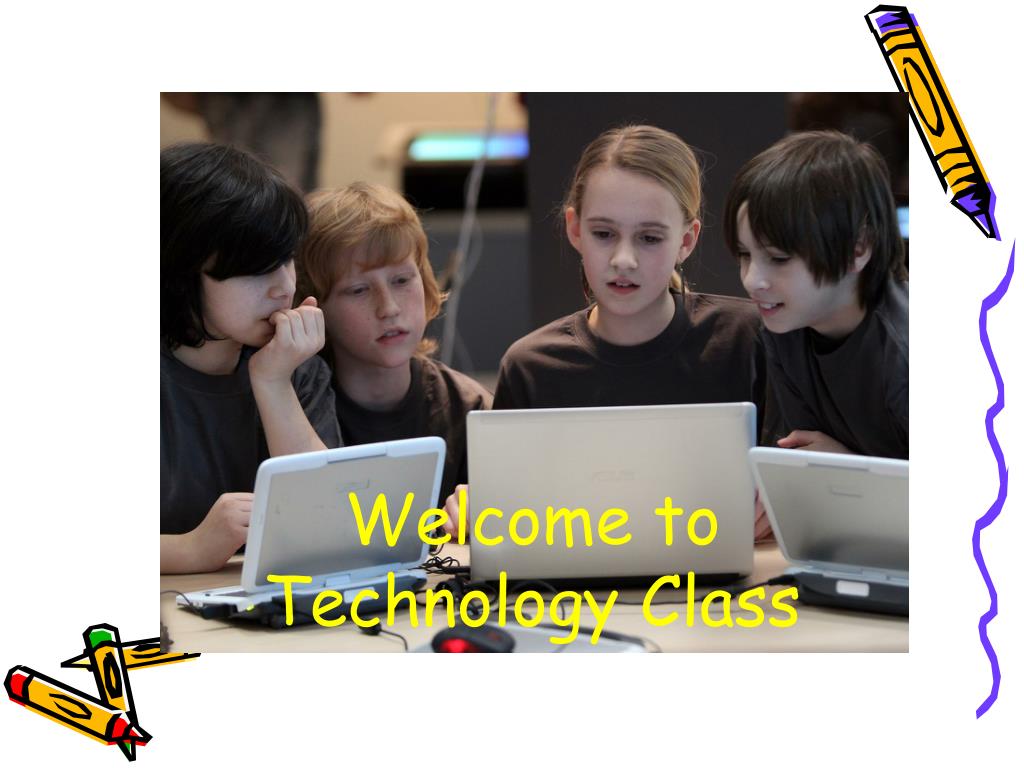
  1. Welcome toTechnology Class

  2. Let me Introduce Myself • My name is Ms. Peraino This is how you say my name:Puh-ree-no

  3. Who am I??? • I have taught at Johnson, Lakewood and Kurtz Elementary Schools • I have taught: • Kindergarten • Pre-First • First Grade • Third Grade • Fourth Grade • and Fifth Grade!

  4. My Goals • To help each student to acquire the skills needed to improve their use of technology • To provide a safe, supportive, and fun classroom environment • To help us all discover new and interesting things about the world

  5. 21stCentury Skills • Communication • Collaboration • Critical Thinking • Creativity Remember to Use the 4 C’s

  6. Technology Curriculum In the computer lab we will: • Practice and improve our typing skills • Learn how to safely and effectively research topics on the internet • Create, save, organize and print documents • Collect and organize data and produce charts to communicate our findings • Play games to strengthen our academic skills and have fun!

  7. Cool Lab Rules • Students must stay in their seats. • When students arrive in the computer lab, they immediately log in and begin typing practice or follow the directions given to them by the teacher. • If you have a problem, raise your hand and the teacher will come to you to help you solve your issue. • Students must ask permission and sign out to use the restroom. Please wash hands before returning to your keyboard! • Students must check with the teacher before printing documents. • Rude or disruptive behavior will result in the loss of computer time.

  8. We’re going to havea great tech year! Ms. Peraino hattie.peraino@hvs.org @ Oxbow 248.684.8085 @ Lakewood 248.684.8030 @ Spring Mills 248.684.8130