
SlideServe
Menu
Préférences
© SlideServe · v2026

Spreadsheet Basics Objective 4.01

deana avatar
4 diapositives · 337 Views · Aug 07, 2014

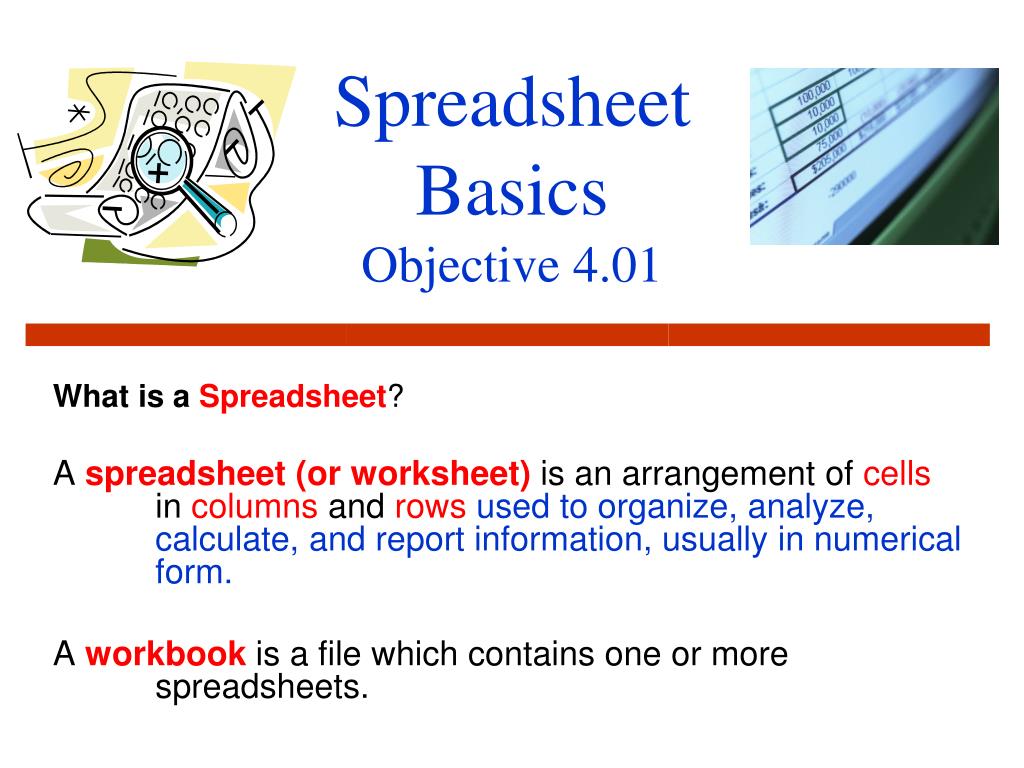
Spreadsheet Basics Objective 4.01. What is a Spreadsheet ? A spreadsheet (or worksheet) is an arrangement of cells in columns and rows used to organize, analyze, calculate, and report information, usually in numerical form.
Spreadsheet Basics Objective 4.01 - slide 1
01 / 4Spreadsheet Basics Objective 4.01
1 / 17

Télécharger la présentation

Spreadsheet Basics Objective 4.01
Une image / un lien ci-dessous est fourni (tel quel) pour télécharger la présentation

Politique de téléchargement : le contenu du site vous est fourni TEL QUEL pour votre information et votre usage personnel ; il ne peut être vendu, concédé sous licence ni partagé sur d’autres sites sans l’accord de son auteur.Le contenu vous est fourni TEL QUEL, pour votre information et votre usage personnel uniquement. Téléchargez la présentation en cliquant sur ce lien. Lors du téléchargement, si vous ne parvenez pas à télécharger une présentation, l’éditeur a peut-être supprimé le fichier de son serveur.Pendant le téléchargement, si vous ne parvenez pas à obtenir une présentation, le fichier a peut-être été supprimé par l’éditeur.

F I N

Plus de contenu associé

Transcription de la présentation
  1. SpreadsheetBasicsObjective 4.01 What is a Spreadsheet? A spreadsheet (or worksheet) is an arrangement of cells in columns and rows used to organize, analyze, calculate, and report information, usually in numerical form. A workbook is a file which contains one or more spreadsheets.

  2. Spreadsheets Perform Mathematical Calculations Do you or your family use spreadsheets? Daily Uses of Spreadsheets: • Balancing a checkbook • Calculating car loans • Calculating student grades (helping students keep up with their grades) • Household budgets Why would a business use spreadsheets? • Payroll • Financial statements for a business (profit/loss)

  3. Designing a Spreadsheet Cell – individual locations on a spreadsheet (intersection of a row and column) • Column— identified by letters of the alphabet (vertical) • Column A refers to all of the contents in a vertical range of cells in the first column of the spreadsheet. • Row— identified by numbers (horizontal) • Row 3 refers to all of the contents in a horizontal range of cells on Row 3 COLUMNS (vertical) ROWS (horizontal)

  4. Cell Specifics Cell Range: • A4:A16 refers to a group of adjacent cells • A Range isa group/block of cells. • example: A6:E16 refers to a range of cells in a specific spreadsheet. Cell Address: a specific location • Cell A4 = Cell address • It is the Column letter and Row number. • The cell address is also called the cell reference. Active cell: • The cell that is selected • It is the cell that is ready to receive information