Download
1 / 7
70 likes | 190 Vues
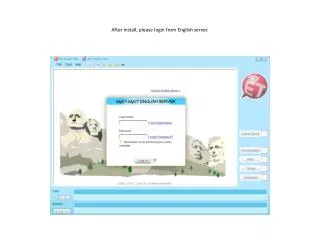
After installation, log in to the English server to explore various courses under “My Courses.” Select a course, such as “Survival English,” and click the “Start” button to begin your learning journey. Each lesson will automatically enter "Repeat" mode for testing. You can practice in "sentences" mode for easier review of 3D animations. Additional modes like Reinforcement, Self-Test, and Repeat focus on quick button presses for analysis. Record your voice to get feedback and improve pronunciation with animated tips.

E N D
After login you can find many courses under “My Courses”. Choose one course, here use “Survival English” as sample.
After lesson play, it will auto enter the “Repeat” mode for test, if you wish to practice, you can choose “sentences” mode, which is easier to review all the 3D animations. Many other modes (reinforcement, Self Test and Repeat) are testing mode, which means the timing for press buttons to see analysis is very short.
Then record your voice (the system will auto record, no need to press any other button).
After recording, when the score came out, you can click “pronunciation”, “Pitch”, “Timing”, and “Emphasis” buttons to check the 3D animation and other tips to help correct your English.