Entering and Tracking CPE
90 likes | 201 Vues
This guide provides step-by-step instructions for entering and tracking your Continuing Professional Education (CPE) credits using the HFTP website. Simply log in to your profile, navigate to the demographics section, and input any education sessions you have attended. To view your CEU history, access your profile again and find the CEU History section. For any questions or assistance, contact HFTP at their Austin address or by email.


Entering and Tracking CPE
E N D
Presentation Transcript
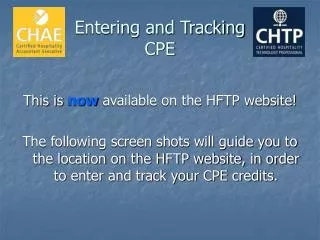
Entering and TrackingCPE This is now available on the HFTP website! The following screen shots will guide you to the location on the HFTP website, in order to enter and track your CPE credits.
Now, Scroll down to the CEU Section. Here you can enter any education sessions that you have attended.
To see your CEU history, Login, and click on Profile
Scroll to bottom of this page to find the CEU History
Contact Information HFTP Certifications 11709 Boulder Ln., STE 110 Austin TX, 78726 001-512-249-5333 Ext. 29 800-646-4387 Ext. 29 Certification@HFTP.org Bryan.Wood@HFTP.org