Customize Your Workshop Certificates: A Step-by-Step Guide
Learn how to create personalized workshop certificates with our easy-to-follow guide. This workshop focuses on designing certificates using specific fonts and formats, ensuring your certificates look professional. You'll learn to set the name in 36 points bold, workshop title in 18 points Arial bold, and the date in 14 points Arial bold. Perfect for educators, trainers, and anyone looking to recognize achievements. Remember to remove instructional text before printing!

Customize Your Workshop Certificates: A Step-by-Step Guide
E N D
Presentation Transcript
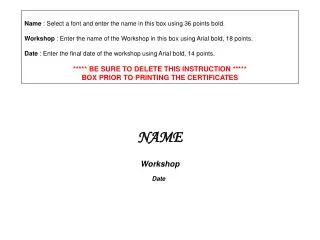
Name : Select a font and enter the name in this box using 36 points bold. Workshop : Enter the name of the Workshop in this box using Arial bold, 18 points. Date : Enter the final date of the workshop using Arial bold, 14 points. ***** BE SURE TO DELETE THIS INSTRUCTION *****BOX PRIOR TO PRINTING THE CERTIFICATES NAME Workshop Date