SlideServe
Menu
Préférences
© SlideServe · v2026

Understanding Software Basics: Types, Compatibility, and Evaluation Criteria

dysis avatar
19 diapositives · 366 Views · Jul 16, 2014

In this chapter, we delve into the essentials of computer software, exploring its dependence on hardware and the various types available for different tasks. Discover the importance of compatibility, documentation, price, and licensing when purchasing software. Learn about operating systems, application software, internet tools, and instructional software, along with criteria for evaluating them for classroom use. Additionally, find out how to adapt software to support special learners effectively, utilizing assistive technology to ensure accessibility in educational environments.
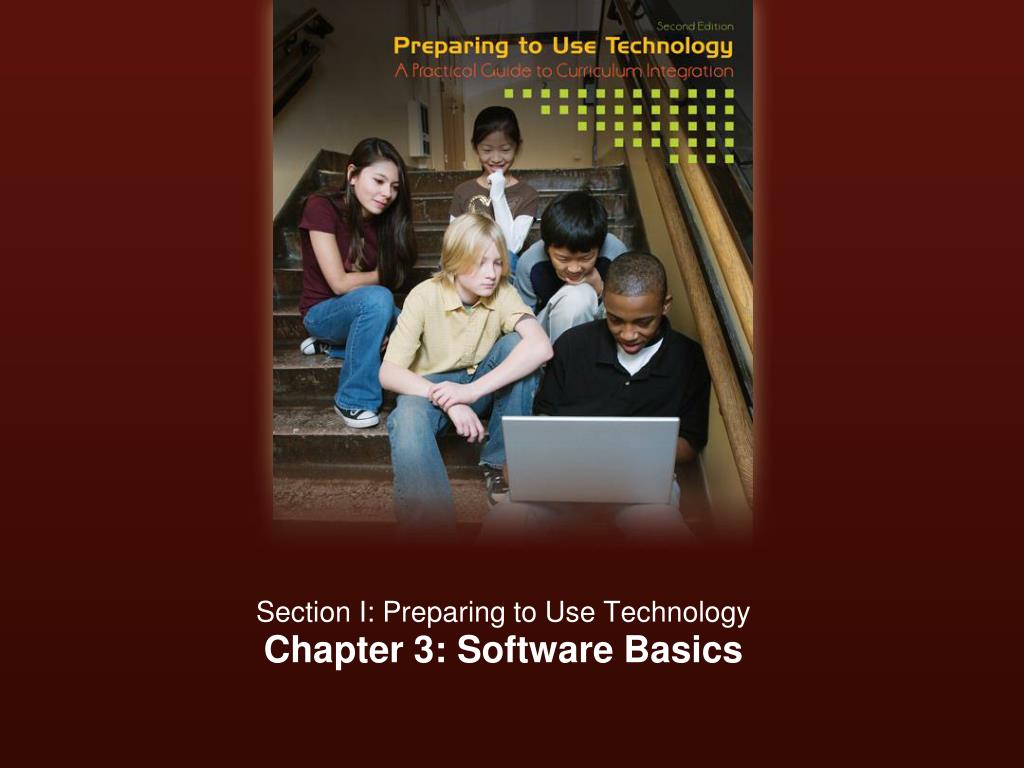
Understanding Software Basics: Types, Compatibility, and Evaluation Criteria - slide 1
01 / 19Understanding Software Basics: Types, Compatibility, and Evaluation Criteria
1 / 17

Télécharger la présentation

Understanding Software Basics: Types, Compatibility, and Evaluation Criteria
Une image / un lien ci-dessous est fourni (tel quel) pour télécharger la présentation

Politique de téléchargement : le contenu du site vous est fourni TEL QUEL pour votre information et votre usage personnel ; il ne peut être vendu, concédé sous licence ni partagé sur d’autres sites sans l’accord de son auteur.Le contenu vous est fourni TEL QUEL, pour votre information et votre usage personnel uniquement. Téléchargez la présentation en cliquant sur ce lien. Lors du téléchargement, si vous ne parvenez pas à télécharger une présentation, l’éditeur a peut-être supprimé le fichier de son serveur.Pendant le téléchargement, si vous ne parvenez pas à obtenir une présentation, le fichier a peut-être été supprimé par l’éditeur.

F I N

Plus de contenu associé

Transcription de la présentation
  1. Section I: Preparing to Use Technology Chapter 3: Software Basics

  2. Frameworks: What we know. . . • Is hardware all that I need to use a computer? • Hardware • Physical components of computer system • Not able to work without the aid of software • Software • Set of instructions that direct the computer to perform tasks • Various categories of software that all individuals must use to perform specific tasks

  3. Basics: Considerations for purchasing • Are there considerations to take into account when purchasing software? • Compatibility • Documentation • Price • Licensing

  4. Basics: Compatibility • What does compatibility mean? • hardware and software can communicate • Operating system • Speed of CPU • Amount of RAM • Capability of monitor • Space required to store on HD

  5. Basics: Documentation • What does documentation mean? • support materials for the software • Print • CD • Online

  6. Basics: Price • How does price differ? • depends who develops/distributes the software • Commercial • Application suites • Integrated software packages • Open Source • Web-based

  7. Basics: Licensing • How does the licensing of software differ? • depends who develops/distributes the software • Commercial • Single use • Multiple users • Site • Open Source • Web-based

  8. Basics: Types of Software • What types of software do I need to be familiar with? • Operating system software • Application software • Internet software • Instructional/educational software • Integrated learning systems (ILS) • Teacher utility software tools

  9. Basics: Operating System Software • What is the OSS and how is it used? • Operating system software manages and controls the computer hardware so that other software can perform tasks. • Microsoft Windows • Apple MAC OS • Linux

  10. Basics: Application Software • What is application software and how it is used? • Application software is software that performs specific tasks. • Word processing and desktop publishing • Database management • Spreadsheets • Graphics (photo editing, painting, drawing) • Diagramming, mapping, and webbing • Multimedia authoring • Web authoring

  11. Basics: Internet Software • What is Internet software and how it is used? • Internet software allows access, sharing of files, communication and collaboration on the Web. • Browser • Email • Media players / plug-ins • File sharing • Web 2.0

  12. Basics: Instructional Software • What is instructional software and how it is used? • Instructional software is used to reinforce or remediate learning. • Drill and practice • Simulation • Tutorials • Instructional Games • Problem Solving • Reference

  13. Basics: Teacher Utility Software • What is utility software and how it is used? • Utility software is designed to assist teachers with tasks. • Offered commercially and online • Grade programs • Task generators • Test generators • Puzzle generators • Rubric generators • Worksheet generators • IEP generators

  14. Basics: Evaluating Software • Are there criteria that I should look for when evaluating software for my students? • Does the software support curricular objectives? • Hands-on review is a MUST!! • Identify objectives and instructional purpose • Locate appropriate software titles • Complete a hands-on review • Collect and interpret the information • Software review guide - Student materials

  15. Adapting for Special Learners • How do I adapt software for special learners? • Much software can be used with special learners with adaptations. • Assistive software • Refers to a wide range of products • Adapting the operating system software • Adaptations for accessing other software • Access software • Must be purchased as separate software programs

  16. Adapting: Assistive Software • How do I adapt OSS for special learners? • OSS can be adapted through accessibility options. • Magnifier • Narrator • On-screen keyboard • High contrast • Audio description • Mouse settings • Keyboard settings • Sound sentry • Speech

  17. Adapting: Access Software • How do I adapt for special learners? • Access software must be purchased separately. • Text to speech • Word prediction • Scan and read • Speech recognition • Magnification • Screen reading

  18. Voices in the classroom • Aaron Pickering, EdS • Content Specialty: Social Studies • Oak Ridge High School • In this Voice, Aaron explains that Open Source Software is a great solution to classrooms. Free to download, these software titles allow students to have access to the latest versions of the software at home and at school and for no charge! Aaron offers much more at his website which you’ll find at the companion site.

  19. For more information • Go to the textbook companion website: • http://web.utk.edu/~bobannon/preparing/index.shtml