
Smart Speech Recognition Device for Word Programming and Analysis

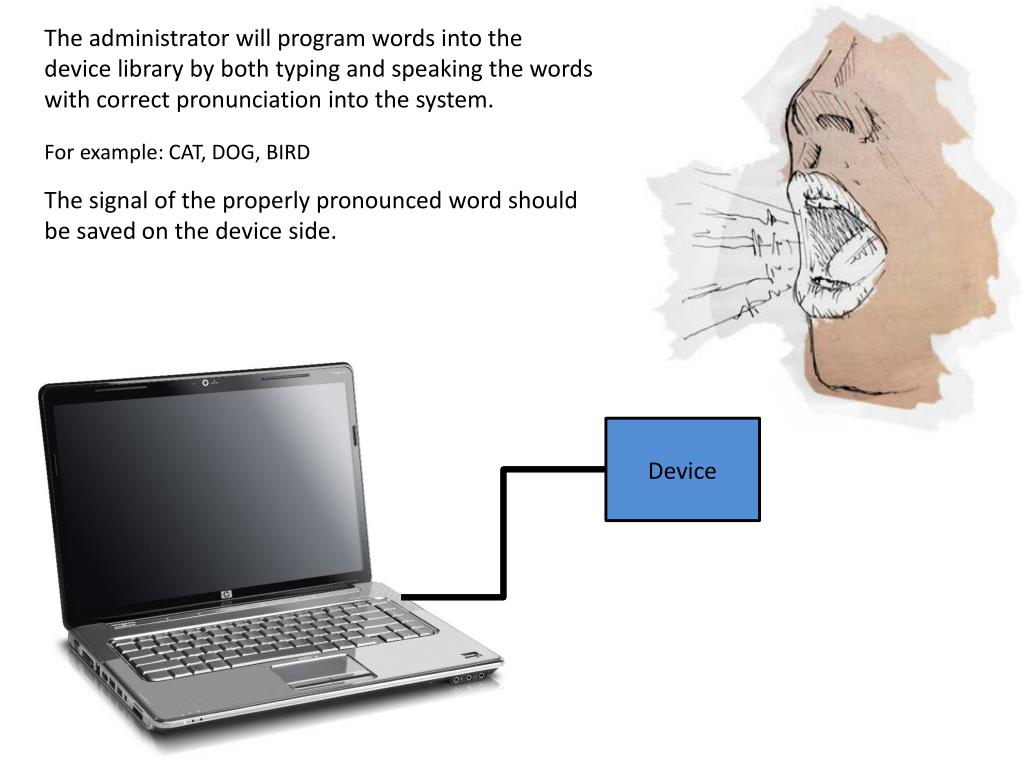
This innovative speech recognition device allows administrators to program words into its library through typing and accurate pronunciation. It continuously picks up sound from up to 10 feet away with a multi-directional microphone, ensuring optimal user interaction. The device recognizes only the expected words, displaying pronunciation accuracy, input signals, and additional analysis on a user-friendly GUI. Legacy data is stored internally for portability, offering convenient access in various locations. Efficient and user-independent, the device streamlines vocabulary learning.
Télécharger la présentation 
Politique de téléchargement : le contenu du site vous est fourni TEL QUEL pour votre information et votre usage personnel ; il ne peut être vendu, concédé sous licence ni partagé sur d’autres sites sans l’accord de son auteur.Le contenu vous est fourni TEL QUEL, pour votre information et votre usage personnel uniquement. Téléchargez la présentation en cliquant sur ce lien. Lors du téléchargement, si vous ne parvenez pas à télécharger une présentation, l’éditeur a peut-être supprimé le fichier de son serveur.Pendant le téléchargement, si vous ne parvenez pas à obtenir une présentation, le fichier a peut-être été supprimé par l’éditeur.
F I N