Introduction to Computers: Understanding Digital Devices, Components, and Storage Systems
This comprehensive guide provides a foundational understanding of computers, delving into the distinctions between analogue and digital devices. Explore the concept of binary digits (bits), how they form bytes, and the hierarchical structure of data storage from kilobytes to yottabytes. Learn about various computer components including the system unit, keyboard, mouse, and storage devices like hard drives and USBs. The guide also explains the essential roles of operating systems and user interfaces, both command-line and graphical. Perfect for beginners in computer science.

Introduction to Computers: Understanding Digital Devices, Components, and Storage Systems
E N D
Presentation Transcript
Computer Storage Warning – Science Content! Introduction to Computers – Part 2
An Analogue Device Fully on (1) Dimmer Switch Partly on Fully off (0) Introduction to Computers – Part 2
A Digital Device Fully on (1) Light Switch Can’t hold any intermediate value Fully off (0) Introduction to Computers – Part 2
The Binary Digit (Bit) Value = 0 Value = 1 Introduction to Computers – Part 2
2 Bits = 4 Values Introduction to Computers – Part 2
8 Bits = 1 Byte = 256 Values Introduction to Computers – Part 2
Bits and Bytes • Bit • Byte • Kilobyte (KB) • Megabyte (MB) • Gigabyte (GB) • Terabyte (TB) • Petabyte (PB) • Exabyte (EB) • Zettabyte (ZB) • 1 Yottabyte (YB) Introduction to Computers – Part 2
Computer Parts – The System Unit Introduction to Computers – Part 2
Monitor/Screen Introduction to Computers – Part 2
Keyboard Introduction to Computers – Part 2
Mouse Original mouse Introduction to Computers – Part 2
Printer Introduction to Computers – Part 2
Modem Introduction to Computers – Part 2
Other Peripherals Introduction to Computers – Part 2
Inside the Case Introduction to Computers – Part 2
Motherboard Introduction to Computers – Part 2
(Micro)Processor Introduction to Computers – Part 2
Memory (RAM) Introduction to Computers – Part 2
Great Moments in History - 2 "640KB [of memory] ought to be enough for anybody" Bill Gates, CEO of Microsoft, 1981 Introduction to Computers – Part 2
Hard Disk Storage (HDD) Introduction to Computers – Part 2
Floppy Disk Drive Introduction to Computers – Part 2
Optical Drive (CD/DVD) Introduction to Computers – Part 2
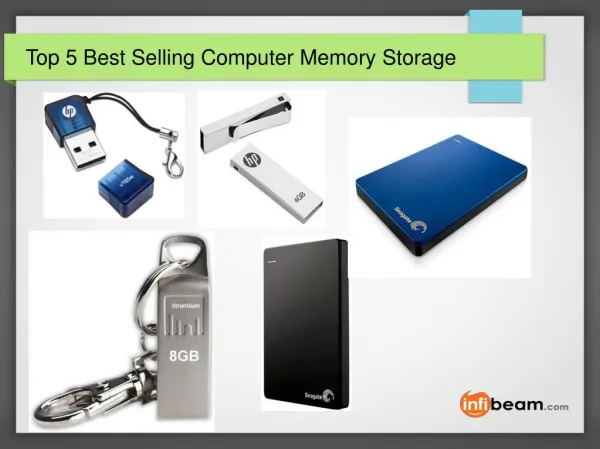
USB Storage Devices Introduction to Computers – Part 2
Processor speeds • Computer speed is measured in billions of cycles per second or ‘GigaHertz’. (more is better). • Modern computers can execute at about 3GHz • That’s about 3,000,000,000 instructions every second! Introduction to Computers – Part 2
Storage v Memory Storage (HDD): • Electromagnetic • Slow to access • Stores permanently - Contents remain when power is turned off Memory (RAM): • Electronic (semiconductor) • Very fast access • Stores temporarily - Contents disappear when power is turned off! Introduction to Computers – Part 2
The Operating System Introduction to Computers – Part 2
The User Interface Introduction to Computers – Part 2
Command Line User Interface (CLI) xxcopysu "f:\Data" "G:\Data" /a /h /e /r /q /y /zy /ze /pb /yy /v /OF /OD3 /oa"F:\Data\Batch Files\XXCopy\backup.log" Introduction to Computers – Part 2
Graphical User Interface (GUI) • WINDOWS • Keep programs in separate boxes on the screen • ICONS • represent programs or data as pictures • MENUS • present lists of available options • APOINTER • Is used to select any object on the screen Introduction to Computers – Part 2
Microsoft Windows Introduction to Computers – Part 2