SlideServe
Menu
Préférences
© SlideServe · v2026

Understanding Software Types: Operating Systems and Applications

gamma avatar
4 diapositives · 169 Views · Aug 08, 2014

This session focuses on the two main software categories: Operating Systems and Applications Software. Operating Systems manage hardware functionality, ensuring seamless interaction between software and hardware. Applications Software enables users to perform tasks such as word processing, spreadsheet management, and more. Participants will explore key concepts including open source and proprietary software, kernels, and utility programs that optimize computer performance. Tasks include researching system maintenance activities such as disk formatting, system cleanup, file transfer, de-fragmentation, and automatic OS updates.
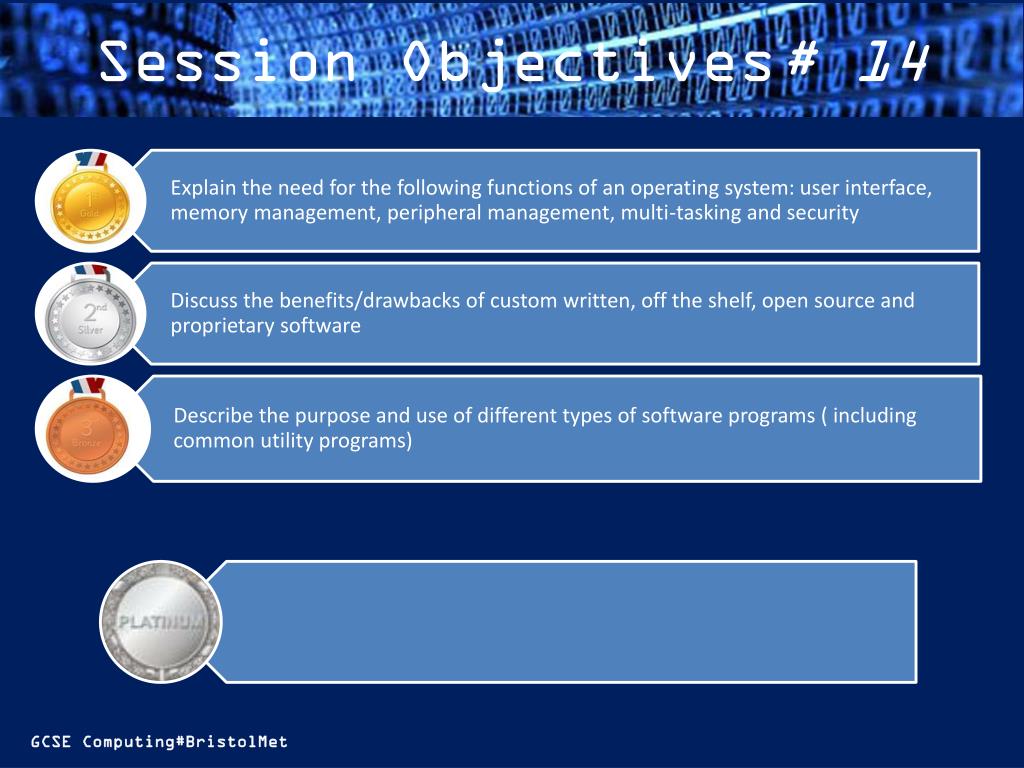
Understanding Software Types: Operating Systems and Applications - slide 1
01 / 4Understanding Software Types: Operating Systems and Applications
1 / 17

Télécharger la présentation

Understanding Software Types: Operating Systems and Applications
Une image / un lien ci-dessous est fourni (tel quel) pour télécharger la présentation

Politique de téléchargement : le contenu du site vous est fourni TEL QUEL pour votre information et votre usage personnel ; il ne peut être vendu, concédé sous licence ni partagé sur d’autres sites sans l’accord de son auteur.Le contenu vous est fourni TEL QUEL, pour votre information et votre usage personnel uniquement. Téléchargez la présentation en cliquant sur ce lien. Lors du téléchargement, si vous ne parvenez pas à télécharger une présentation, l’éditeur a peut-être supprimé le fichier de son serveur.Pendant le téléchargement, si vous ne parvenez pas à obtenir une présentation, le fichier a peut-être été supprimé par l’éditeur.

F I N

Plus de contenu associé

Transcription de la présentation
  1. Session Objectives# 14

  2. Types of Software There are 2 main groups of software: Operating Systems (or systems software)- these are the programs that allow the hardware to work. Applications Software – these are a set of programs which allow users to do something useful on a computer. TASK Go through the Boardworks Intro to Software presentation making notes and completing the activities as you go. TASK – Add to your key terms definitions for open source and proprietary software Key Term – Kernel – the lowest level of an operating system that controls the hardware.

  3. Utility Programs As you will have read, these programs perform all the essential systems maintenance tasks to optimise the computers’ performance. These include the following tasks but what do they mean? Research and write explanations for the following: Disk Formatting System CleanUp File Transfer De-fragmentation Automatic Updating

  4. Operating Systems Go For 5 – can you name 5 o/s’s in 30 secs?? Read and take notes from the Boardworks Presentation on Operating Systems – complete all activities as you go.