Create and Save Your Customized Wordle Artwork
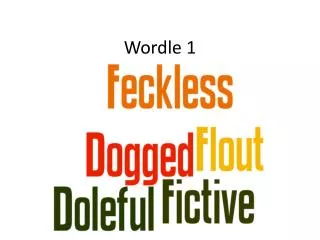
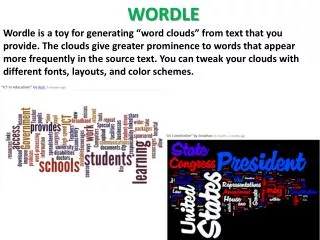
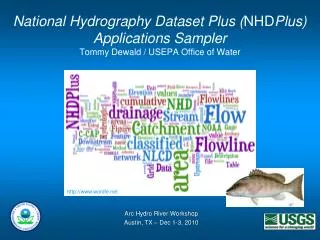
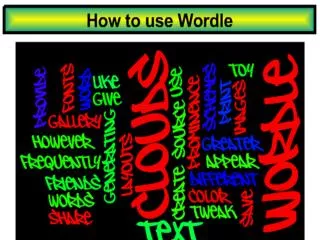
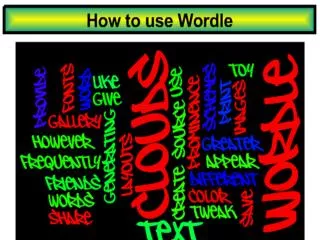
Learn how to create a personalized Wordle word cloud using specific terms from your unit of study. Access the Wordle website, input your selected words (with emphasis on important phrases), and customize your design through font, layout, and color options. Once your word cloud is complete, save it by capturing a screenshot and inserting it into a Word document or PowerPoint slide. Follow the simple steps to enhance your learning presentations visually and creatively.

Create and Save Your Customized Wordle Artwork
E N D
Presentation Transcript
Step 1: Access http://wordle.net
Step 2: Add terms to your “word cloud” Add 30 terms based on the unit of study. Type in emphasized words more than once. Tip Put a ~ between words that you want to keep together: dragon~ship
Step 3: Customize your piece using the FONT, LAYOUT and COLOR tabs
Step 4 Saving Your WORDLE 1. Click on the below the “word cloud”. 2. Use the Print Scrnon the keyboard to copy your Wordle creation to insert it into a WORD document or PowerPoint slide. Use Crop tool in the FORMAT tab to remove the outlines of the picture you captured from your screen. 4. Save it into your H:Drive or onto a Flash Drive