Introduction to iPads: Getting Started, Care, and Creativity in Learning
This guide introduces iPads as a new educational technology tool in our school, where you'll be among the first to explore their potential. We'll learn how to use iPads effectively, care for them properly, and leverage applications like Photo Booth for creative projects. You'll discover key functions of the iPads, understand the importance of cleanliness and respect towards these devices, and engage in a fun photography task with your classmates. Let's dive into a world of innovation and creativity with our iPads!

Introduction to iPads: Getting Started, Care, and Creativity in Learning
E N D
Presentation Transcript
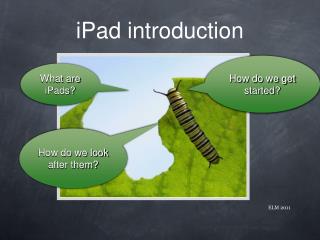
How do we get started? What are iPads? How do we look after them? iPad introduction ELM 2011
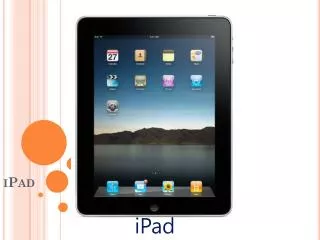
What are iPads? • A new technology tool. • There are 15 in the school. • You are the first to trial and show how we can learn with them.
How do we look after them? • Listen to instructions. • iPads need to be treated with respect. Gently and carefully. • iPads do not like to be dirty. Clean hands and no food or drink. • iPads need to be returned once they are turned off to the right spot.
Learning intentions: • We will be learning how to use the functions of an iPad. • We will be learning about looking after iPads. • We will be learning how to use photo booth to create images.
ICT Task: • In partners use photo booth to take photos with the different styles. • Select five that you have decided fit in with the set categories.
Your turn! Yipee! • Five photos under • Friendship • Creative • Perspective (Big and small) • Colour • Your choice
Get clicking! • Select the five you will use and delete the others. • Ask a teacher if you are stuck.