
SlideServe
Menu
Préférences
© SlideServe · v2026

Playing Sound in Java: Utilizing Applet Class for AudioClip Management

genera avatar
2 diapositives · 188 Views · Aug 13, 2014

Discover how to play sounds and music in your Java applications using the Applet class. This guide explains the steps to create an inner class that extends Applet, enabling you to generate and manage AudioClip objects. We discuss the necessary imports, how to instantiate an AudioClip using the newAudioClip method, and how to access and play the sound. Note that only WAV files are supported and headphones are required for sound playback in specific environments.
Playing Sound in Java: Utilizing Applet Class for AudioClip Management - slide 1
01 / 2Playing Sound in Java: Utilizing Applet Class for AudioClip Management
1 / 17

Télécharger la présentation

Playing Sound in Java: Utilizing Applet Class for AudioClip Management
Une image / un lien ci-dessous est fourni (tel quel) pour télécharger la présentation

Politique de téléchargement : le contenu du site vous est fourni TEL QUEL pour votre information et votre usage personnel ; il ne peut être vendu, concédé sous licence ni partagé sur d’autres sites sans l’accord de son auteur.Le contenu vous est fourni TEL QUEL, pour votre information et votre usage personnel uniquement. Téléchargez la présentation en cliquant sur ce lien. Lors du téléchargement, si vous ne parvenez pas à télécharger une présentation, l’éditeur a peut-être supprimé le fichier de son serveur.Pendant le téléchargement, si vous ne parvenez pas à obtenir une présentation, le fichier a peut-être été supprimé par l’éditeur.

F I N

Plus de contenu associé

Transcription de la présentation
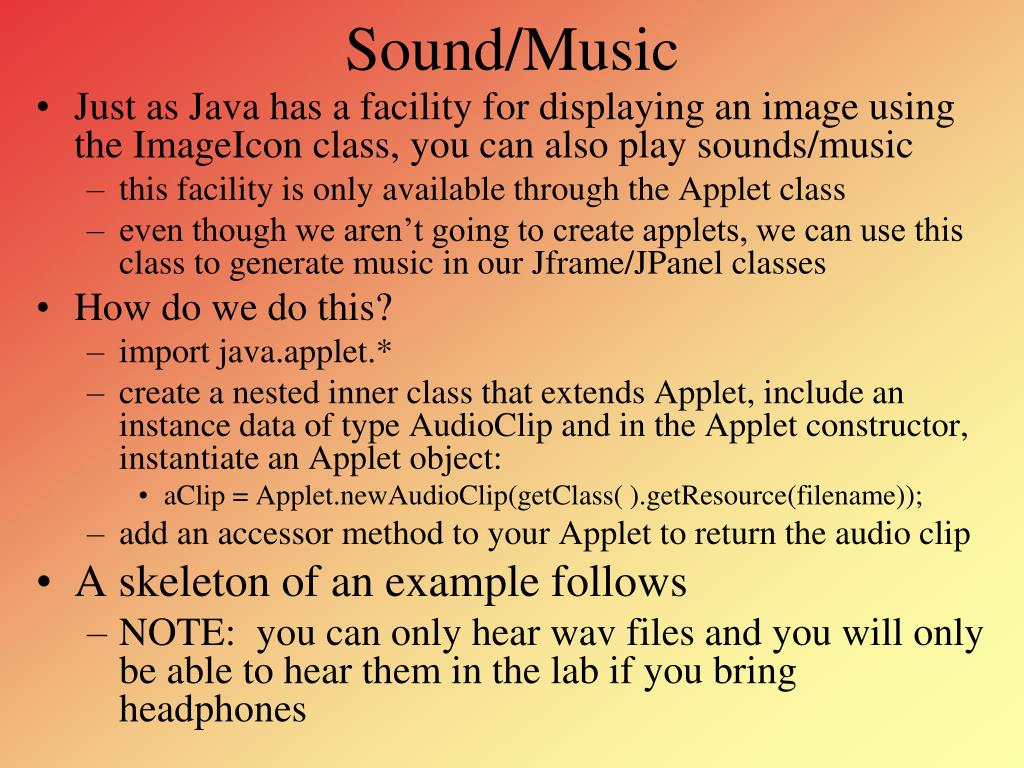
  1. Sound/Music • Just as Java has a facility for displaying an image using the ImageIcon class, you can also play sounds/music • this facility is only available through the Applet class • even though we aren’t going to create applets, we can use this class to generate music in our Jframe/JPanel classes • How do we do this? • import java.applet.* • create a nested inner class that extends Applet, include an instance data of type AudioClip and in the Applet constructor, instantiate an Applet object: • aClip = Applet.newAudioClip(getClass( ).getResource(filename)); • add an accessor method to your Applet to return the audio clip • A skeleton of an example follows • NOTE: you can only hear wav files and you will only be able to hear them in the lab if you bring headphones

  2. import java.applet.*; // needed to generate an AudioClip public class AudioExample2 { public static void main(String[] args) { AClip a = new AClip(); // create an Applet AudioClip c = a.getClip(); // use the Applet to generate an AudioClip c.play( ); // play the AudioClip } private static class AClip extends Applet // Applet as an inner class used to { // generate AudioClip objects private static AudioClip a; // Our AudioClip public AClip() // constructor { a = Applet.newAudioClip(getClass( ).getResource("chimes.wav")); } // getClass( ) returns the file location of this class // getResource returns the actual item, in this case a wav file public AudioClip getClip() // accessor { return a; } } } AudioClip Example