Download
1 / 10
100 likes | 217 Vues
Creating an engaging PowerPoint presentation involves proper communication and visual appeal. Avoid using text language, as it can confuse audiences unfamiliar with it. Instead, emphasize clarity through correct grammar and punctuation. Utilize vibrant colors and supportive images to enhance your message, but avoid overusing animations. When timing your slides, ensure readability by allowing time for slower audiences. Lastly, always cite your sources accurately, steering clear of unreliable sites like Google Images. Following these guidelines will make your presentations more impactful and professional.

E N D
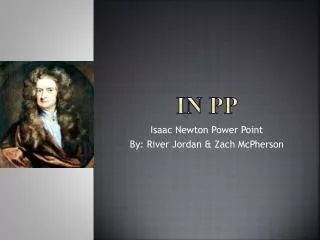
Use proper capitalization donts in pp tylerrapp
Don’t use text language • bc dis dsntmke a lot of cenc 2 pplwoo dnt txt lts • Translation • Because this doesn’t make a lot of sense to people who don’t text lots
COLORS!!!!! • THIS IS BORING AND BLAND!!!!!!!
This isn't!!! • Please use colors on slides
Picture usage • Correct • Not correct
Grammar and punctuation • Power point wont always fix it so please, please, please check • Dont by me that toy, its sucky
Animation • Don’t over use it
Animation continued • Don’t be bland with it either • This is ok
Timing your PowerPoint • When timing your PowerPoint so it automatically plays, make sure you have time to read the slide plus a few seconds for slower readers
Sources • List all of your sources correctly • en.wikipedia.org • Not googleimagage