
SlideServe
Menu
Préférences
© SlideServe · v2026

The Keyboard

guido avatar
9 diapositives · 1.5K Views · Aug 04, 2014

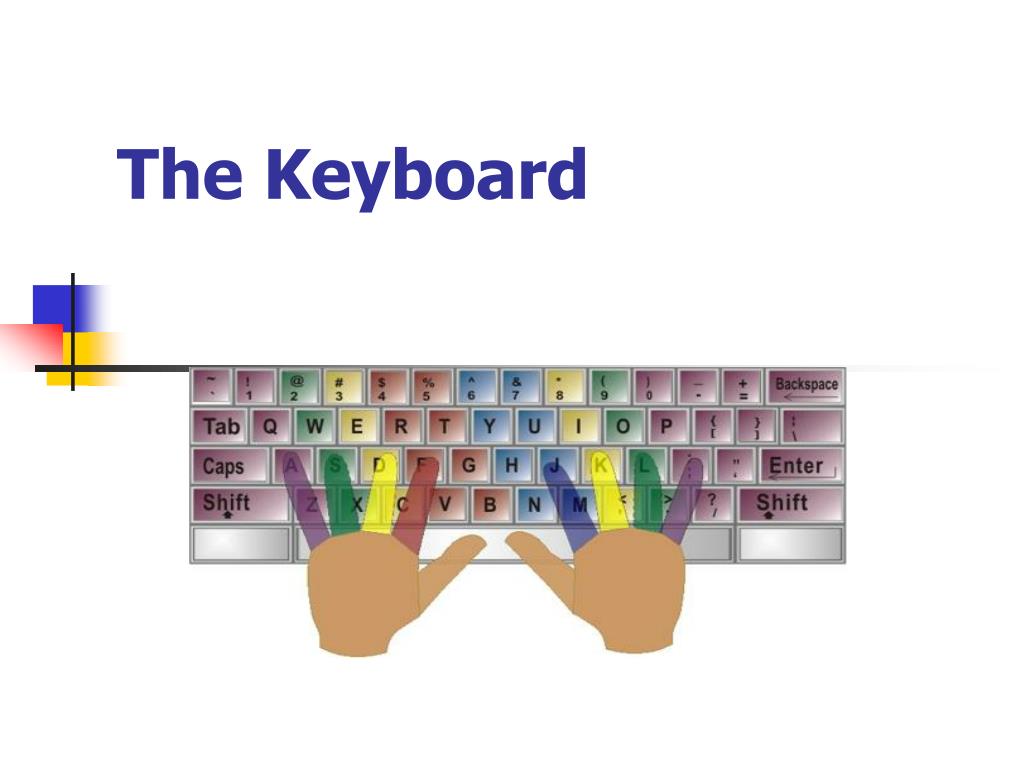
The Keyboard. In This Presentation You Will Learn. The names of some special keys on the keyboard. The functions of these special keys. The Keyboard. The keyboard is a tool for entering information into the computer. Keys may contain letters, numbers or symbols.
The Keyboard - slide 1
01 / 9The Keyboard
1 / 17

Télécharger la présentation

The Keyboard
Une image / un lien ci-dessous est fourni (tel quel) pour télécharger la présentation

Politique de téléchargement : le contenu du site vous est fourni TEL QUEL pour votre information et votre usage personnel ; il ne peut être vendu, concédé sous licence ni partagé sur d’autres sites sans l’accord de son auteur.Le contenu vous est fourni TEL QUEL, pour votre information et votre usage personnel uniquement. Téléchargez la présentation en cliquant sur ce lien. Lors du téléchargement, si vous ne parvenez pas à télécharger une présentation, l’éditeur a peut-être supprimé le fichier de son serveur.Pendant le téléchargement, si vous ne parvenez pas à obtenir une présentation, le fichier a peut-être été supprimé par l’éditeur.

F I N

Plus de contenu associé

Transcription de la présentation
  1. The Keyboard

  2. In This Presentation You Will Learn • The names of some special keys on the keyboard. • The functions of these special keys.

  3. The Keyboard • The keyboard is a tool for entering information into the computer. • Keys may contain letters, numbers or symbols. • Some keys have special functions.

  4. Tab key Arrow keys Caps Lock key Shift keys Back Space/ Delete keys Enter key Escape key Special Keyboard Keys CTRL + ALT + DELETE is used for logging out of your computer!!

  5. Backspace & Delete Keys • The Backspace key erases characters to the LEFT. • The Delete key erases characters to the RIGHT.

  6. Shift & Caps Lock Keys • The SHIFT key capitalizes one letter at a time. • The CAPS LOCK key will capitalize ALL letters when you press it!

  7. Tab & Arrow Keys • The TAB key moves the cursor over FIVE spaces to the right. • The ARROW o DIRECTIONAL keys move the cursor around in your document.

  8. Enter & Space bar Keys • The ENTER key go down a new line in a document. • The SPACE BAR key put spaces in your document.

  9. Keyboard Review Questions • What is the computer keyboard used for? • Name four special keyboard keys. • Do you know the functions of any of the special keyboard keys? • What keys do you use to log out of your computer?