Research Steps
This guide outlines crucial research steps to optimize your search for academic resources. It begins with selecting a topic and brainstorming relevant keywords, leading to the development of a clear thesis statement. You'll learn how to articulate a robust search strategy using effective keyword phrases, including the importance of flexible terminology and proper categorization. We introduce Boolean operators to refine searches and explain truncation techniques to broaden your keyword scope. This comprehensive approach ensures efficient research and improves the quality of your findings.

Research Steps
E N D
Presentation Transcript
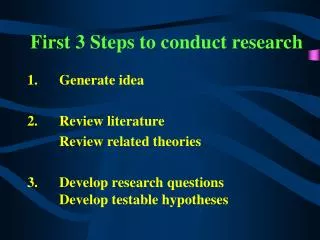
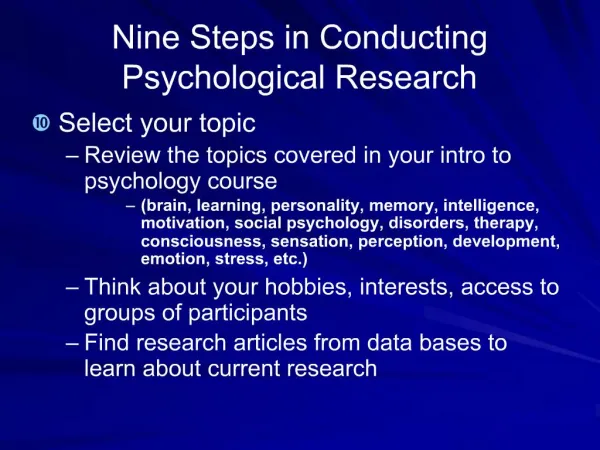
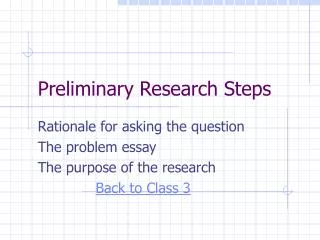
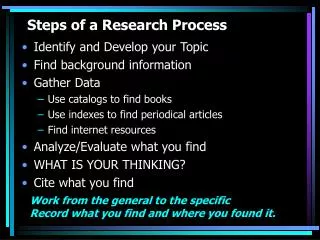
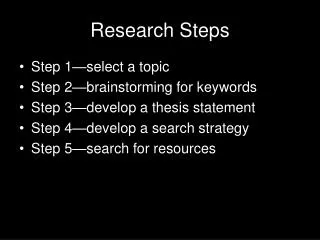
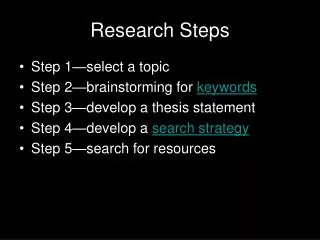
Research Steps • Step 1—select a topic • Step 2—brainstorming for keywords • Step 3—develop a thesis statement • Step 4—develop a search strategy • Step 5—search for resources
Keywords • Flexible terminology • Easier to do searches • Less accurate
Keyword Phrases • Single concept, multiple words • Some electronic resources require keyword phrases be enclosed with punctuation • Quotation marks • Parenthesis
Basic phrase Proper names Hyphenated words Slogans, advertisements Famous quotes Movie titles, song titles, etc. (computer disk) “Native American” (x-ray) “kills bugs dead” (to be or not to be) “Lord of the Rings” Keyword Phrases
Subjects • Predetermined terminology • Library of Congress • More difficult to use in searches • Very precise
Native American Indians of North America Keywords vs. Subjects
Boolean Operators • Boolean Operators connect keywords only • Must be placed between keywords • AND • Narrows your search • OR • Expands your search with synonymous terms • NOT • Excludes words from your search • If used too much, it can work against you!
Boolean Operators • AND • queenandEngland • trendsand teaching and “united states”
Boolean Operators • OR • queenorroyalty • teachingor education or schooling • AND & OR together • queenorroyalty and England • trends and teachingor education or schooling and “united states”
Boolean Operators • NOT • queennothearts • schoolnot fish • AND, OR & NOT together • England and royalty or queennotLatifah
Truncation (Wildcards) • Non-universal symbols used in searching • Common symbols: * ? • Used with a root word • Used to replace a vowel or single character
Truncation (Wildcards) • Root Word- looks for multiple endings of a word, in this case it takes the place of ‘OR’ • jump? • jump, jumps, jumper, jumpers, jumping • athlete and jump or jumps or jumping • athlete and jump?
Truncation (Wildcards) • Singular/Plural- replaces a vowel or single character in a word, in this case it takes the place of ‘OR’ • wom*n • woman, women • history and woman or women • history and wom*n