SlideServe
Menu
Préférences
© SlideServe · v2026

Urban Tree Management System for Effective Inventory and Maintenance

hugh avatar
33 diapositives · 400 Views · Nov 21, 2012

Utilize advanced Basic Inventory Tools for Mobile Community Tree Inventory (MCTI) and Street Tree Electronic Management System (STEMS) to efficiently collect, manage, and analyze tree data. Choose between paper-based or digital methods for seamless integration and comprehensive reporting.
Urban Tree Management System for Effective Inventory and Maintenance - slide 1
01 / 33Urban Tree Management System for Effective Inventory and Maintenance
1 / 17

Télécharger la présentation

Urban Tree Management System for Effective Inventory and Maintenance
Une image / un lien ci-dessous est fourni (tel quel) pour télécharger la présentation

Politique de téléchargement : le contenu du site vous est fourni TEL QUEL pour votre information et votre usage personnel ; il ne peut être vendu, concédé sous licence ni partagé sur d’autres sites sans l’accord de son auteur.Le contenu vous est fourni TEL QUEL, pour votre information et votre usage personnel uniquement. Téléchargez la présentation en cliquant sur ce lien. Lors du téléchargement, si vous ne parvenez pas à télécharger une présentation, l’éditeur a peut-être supprimé le fichier de son serveur.Pendant le téléchargement, si vous ne parvenez pas à obtenir une présentation, le fichier a peut-être été supprimé par l’éditeur.

F I N

Plus de contenu associé

Transcription de la présentation
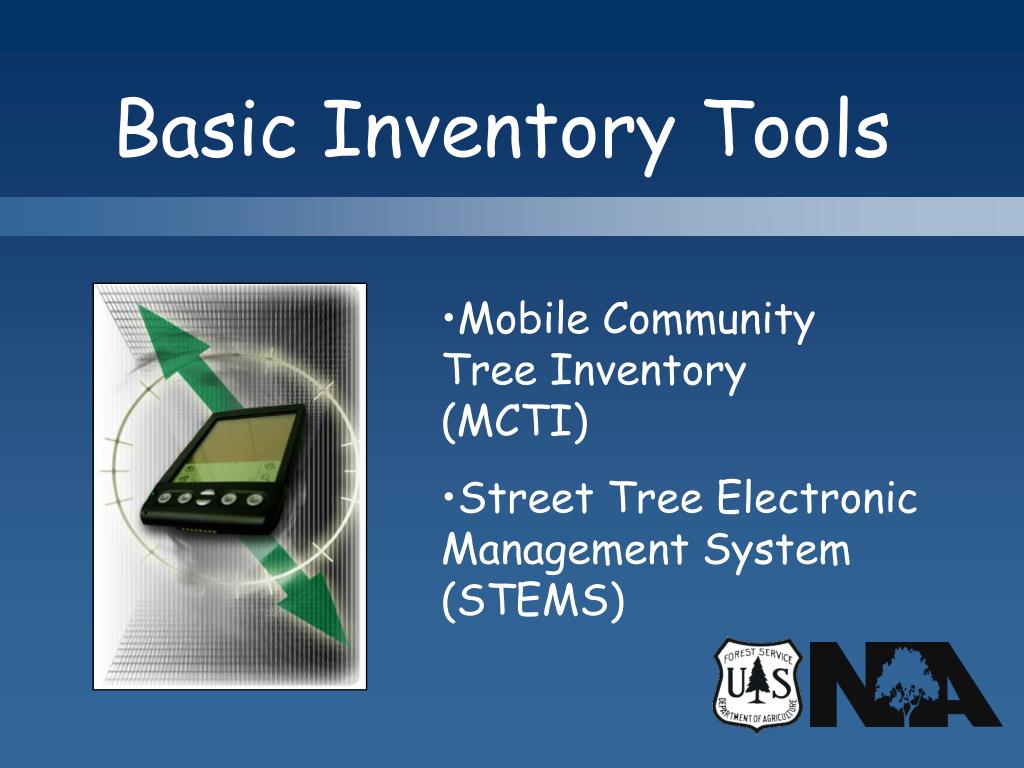
  1. Basic Inventory Tools • Mobile Community Tree Inventory(MCTI) • Street Tree Electronic Management System (STEMS)

  2. PDA Inventory Package Collect Data Use and Integration

  3. Palm based inventory tool

  4. MCTI Basics Three Methods of Implemnentation • Paper based, via tally sheets • Windows desktop applicaiton • Using a PDA and computer

  5. Multiple Data Collection Methods • Paper, via tally sheet • On a Windows based computer • Using a computer and a Personal Digital Assistant (Palm Pilot, Handspring, etc.)

  6. Getting Started (paper) • Download Inventory Manual • http://www.umass.edu/urbantree/palm • Print Paper Tally Sheets • Begin Data Collection in the Field on Paper Sheets

  7. Getting Started (computer) • Windows 95 or newer PC • Download and install software • Data entry at your desktop

  8. Desktop Data Entry

  9. Desktop Recap/Review

  10. Customizing MCTI • Allows multiple users • Custom Tree Species Listings • Unique Community ID tags

  11. Getting Started (PDA) • Windows 95 or newer PC • Palm OS PDA w/2mg memory • Install PDA software • Begin your field data collection

  12. MCTI PDA Software PDA Log In Screen

  13. MCTI PDA Software PDA Data Entry Screen

  14. MCTI PDA Software PDA Data Entry Screen

  15. MCTI PDA Software PDA Data Entry Screen

  16. MCTI PDA Software PDA Search Screen

  17. Desktop Syncronization

  18. Status of the Trees/Forest Size/Age Distribution Species Distribution Condition Planting, Maintenance, and Removal Needs

  19. Reporting

  20. Species Distribution 14% 54% 32%

  21. Condition # of Trees

  22. Maintenance and Other Needs Pruning Other Maintenance Removal Hazard Risk Assessment Photo courtesy of the USDA Forest Service

  23. Web based distribution

  24. STEMS – Street Tree Electronic Management System • Maintenance & Management System • Linked to MCTI Inventory • Provides Work Order Tracking and Staffing Planning • Multi-platform Implementation (PDA, Paper, Bar Coding, etc.) • Freeware Distribution

  25. Complaint Reporting

  26. Work Order Generation & Tracking

  27. Address Reporting

  28. Linking to MCTI

  29. Data Maintenance MCTI- STEMS

  30. Training • Over 130 participants in MCTI training in New England, NY and PA in 2003 • Online User’s Manual • Web based instructional tutorial under development by Trees NY

  31. www.umass.edu/urbantree/mcti