Download
1 / 4
60 likes | 183 Vues
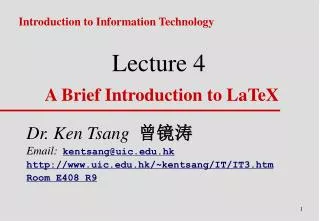
LaTeX is a powerful typesetting language that offers a variety of features for creating structured documents. Unlike WYSIWYG editors like MS Word, LaTeX focuses on content consistency and allows easy cross-referencing, equations, tables of contents, bibliographies, and indexing. To start using LaTeX, create a .tex file and compile it into a DVI file. You can view it with xdvi. For Windows users, TexnicCentre (with MikTeX) is recommended for editing. For an easy start, visit my template page at http://www.atm.ox.ac.uk/user/grainger/index.html.

E N D
Intro to Latex • Latex is a type setting language – it is not wysiwyg like MS Word instead
Why use it? (It is free!) Lots of nice features like Consistency Cross-referencing Equations Table of Contents Bibliography Index Figures
How to use it • Create .tex file the use the Latex command to make dvi file • xdvi to view it • Windows version – Texniccentre (uses MikTex) • Easiest to copy a bit of code and modify it. • Template at my home page http://www.atm.ox.ac.uk/user/grainger/index.html