Download
1 / 8
80 likes | 213 Vues
Easily handle your student account by logging into your Highlander Pipeline account. Click on “MyNJIT” and navigate to the “Student Services” tab to pay via e-check or credit card. Alternatively, go to Banner Student Self Service for credit card payments and account views. Access cumulative charge summaries, view up to 12 months of PDF e-bills, and monthly statements. Use your account number and routing number for e-check payments without extra fees. Note that a 2.75% convenience fee applies for credit card transactions.

E N D
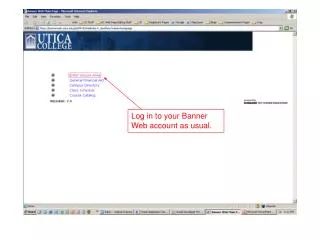
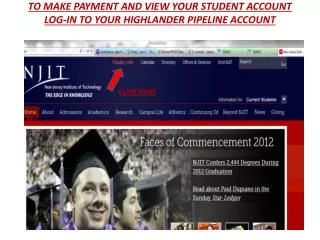
CLICK HERE TO MAKE PAYMENT AND VIEW YOUR STUDENT ACCOUNT LOG-IN TO YOUR HIGHLANDER PIPELINE ACCOUNT
You can pay by e-check directly from the “Student Services” tab under “My Account” and “My Statement” areas (Figure 1) OR you can navigate to Banner Student Self Service for Credit Card Payments and Student Account Views (Figure 2) Figure 2 Figure 1
Student Account Views and Credit Card Payments(Figure 2 continued)
Cumulative line item summary of charges/make payment Clearest way to see charges/make payment Line item details by term/make payment View up to 12 months of PDF E-Bills & Monthly Statements
Use your Account # and Routing # to make a payment with no extra fees Pay by credit card 2.75% convenience fee applies – Visa, MC, Discover, Amex