
SlideServe
Menu
Préférences
© SlideServe · v2026

Unlocking Learning with Google Earth: Exploring Curriculum Possibilities

kailey avatar
10 diapositives · 250 Views · Sep 07, 2014

Explore how Google Earth can transform classroom learning by fostering universal design for learning. This innovative tool presents information in multiple formats, allowing students to express knowledge creatively and engage with the curriculum. From measuring real-world distances in math to creating virtual autobiographies in language arts, Google Earth enhances visual literacy and global awareness. It supports inquiry-based learning across subjects - from environmental science to social studies. Discover lesson ideas and resources to ignite student interest and motivation.
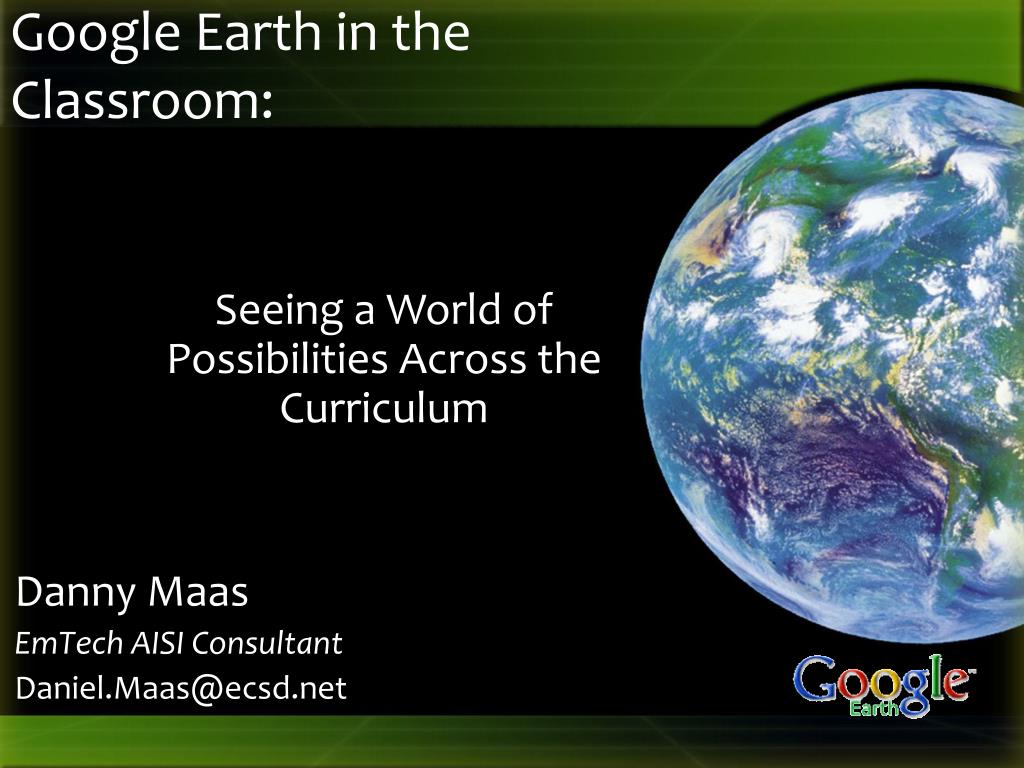
Unlocking Learning with Google Earth: Exploring Curriculum Possibilities - slide 1
01 / 10Unlocking Learning with Google Earth: Exploring Curriculum Possibilities
1 / 17

Télécharger la présentation

Unlocking Learning with Google Earth: Exploring Curriculum Possibilities
Une image / un lien ci-dessous est fourni (tel quel) pour télécharger la présentation

Politique de téléchargement : le contenu du site vous est fourni TEL QUEL pour votre information et votre usage personnel ; il ne peut être vendu, concédé sous licence ni partagé sur d’autres sites sans l’accord de son auteur.Le contenu vous est fourni TEL QUEL, pour votre information et votre usage personnel uniquement. Téléchargez la présentation en cliquant sur ce lien. Lors du téléchargement, si vous ne parvenez pas à télécharger une présentation, l’éditeur a peut-être supprimé le fichier de son serveur.Pendant le téléchargement, si vous ne parvenez pas à obtenir une présentation, le fichier a peut-être été supprimé par l’éditeur.

F I N

Plus de contenu associé

Transcription de la présentation
  1. Danny Maas EmTech AISI Consultant Daniel.Maas@ecsd.net Google Earth in the Classroom: Seeing a World of Possibilities Across the Curriculum

  2. Rationale for Using Google Earth • Universal Design for Learning • Presenting information and content in different ways (the "what" of learning) • Differentiating the ways that students can express what they know (the "how" of learning) • Stimulating interest and motivation for learning (the "why" of learning) • http://www.cast.org/research/faq/index.html#q1

  3. Rationale for Using Google Earth • Skill & Attitude Development • Visual literacy • Global awareness • Geographic thinking • Inquiry • http://www.cast.org/research/faq/index.html#q1

  4. Math • Estimate and measure the distance, area, and perimeter of real locations • What is the area of our school grounds? • What is the perimeter of our school? • How far is it from Edmonton to Saskatoon? • What directions would you give to someone traveling from our school to the nearest grocery store?

  5. Language Arts • Google Lit Trips – http://www.googlelittrips.org • Have students create a virtual autobiography (where they were born, where they live, where they go to school, any extracurricular activity locations – turn it into a tour) • Use a location of somewhere in the world as a creative writing starter

  6. Science • Access weather overlays to gather environmental data • Access National Geographic information layer • Use the Date and Time (sunlight) tool to show where sunlight is shining at any place any time and explain time zones and seasons (good for math as well)

  7. Science • Use the Sky view to investigate and view our solar system, constellations, and stars http://earth.google.com/userguide/v4/ug_sky.html • Visit environmental locations related to a topic of study • E.g. Native Forest Council http://www.forestcouncil.org/googleearth/ • E.g. Ducks Unlimited 70th Anniversary Project Tour http://maps.ducks.ca/google.html

  8. Social Studies • Travel to and view locations being studied in class • View Google Earth Global Awareness layer

  9. Other Uses • Visit a field trip location on Google Earth before you travel • Download pre-made Google Earth tours and information layers • http://realworldmath.org/Real_World_Math/RealWorldMath.org.html • http://www.juicygeography.co.uk/googleearth.htm • http://serc.carleton.edu/sp/library/google_earth/activities.html • http://www.gelessons.com/lessons/ • http://www.gearthblog.com/

  10. http://maasd.wordpress.com/google-earth • Daniel.Maas@ecsd.net • BookEmtech@ecsd.net