Integrated Tool Management and ESPRIT Interface for Machining Optimization
This document outlines the comprehensive integration of tool management systems with the ESPRIT interface for machining operations. It details tool cataloging, document management, and data assembly for effective planning and setup. Key functionalities include managing machining job lists, presetting storage systems, and facilitating logistics. The ESPRIT interface enhances data flow by importing tools from the WinTool database, managing cutting values, and supporting NC program information. With features for collision detection and path simulation, this setup ensures efficient tool usage and optimal cutting conditions.

Integrated Tool Management and ESPRIT Interface for Machining Optimization
E N D
Presentation Transcript
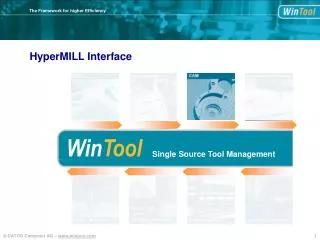
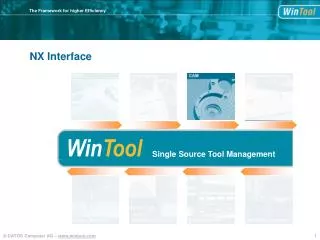
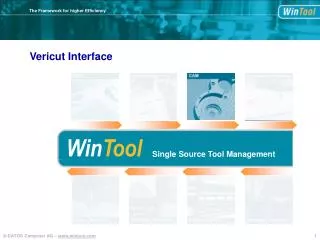
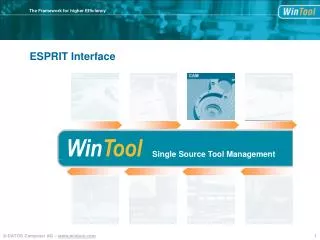
Tool Catalogs Documents + Planning WinTool Single Source Tool Management Setup + Machining Job Lists + Presetting Storage Systems Assembly + Logistics ESPRIT Interface
Component Data Tool List Data Assembly Data WinToolprincipal data
Geometry Parameter Cutting Values 3D Tools (created) ESPRIT KB Component Data Assembly Data Tool List Data NC-Program Info Used Tools T-Numbers, D/H-Memory STL adjustment Setup Documents ESPRIT Interface – data flow
Import Tools from WinTool Database. ESPRIT Interface – Tool Import
ESPRIT Interface – Tool Import Import single Tool.
ESPRIT Interface – Tool Import Select a Tool Class.
ESPRIT Interface – Tool Import Select Tool in Library. Check Geometry and Collision Points.
ESPRIT Interface – Tool usage Tool is available with complete data set.
ESPRIT Interface – Tool usage Calculate path. Receive best cutting conditions.
ESPRIT Interface – Tool usage Run Simulation.
ESPRIT Interface – Tool usage True holder geometry. True collision detection.
ESPRIT Interface – Tool documentation Save List of Tools used. Tools used in Project
ESPRIT Interface – Tool documentation NC-Program Header will be transferred.
Tool Catalogs Documents + Planning WinTool Single Source Tool Management Setup + Machining Job Lists + Presetting Storage Systems Assembly + Logistics ESPRIT Interface