Accessing Mayo College e-IMS: Student Login and Information Portal
Log in to the Mayo College e-IMS portal using your Student Scholar number and password. After the first login, be sure to change your password for security. Navigate the main screen to view your ward's details, medical history, travel arrangements, and more. Easily download your syllabus and check on borrowed books. Monitor academic progress with report cards and attendance sheets. Stay informed with the holiday list and school calendar. This portal is a comprehensive resource for students and parents to access vital information.

Accessing Mayo College e-IMS: Student Login and Information Portal
E N D
Presentation Transcript
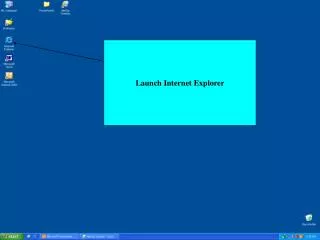
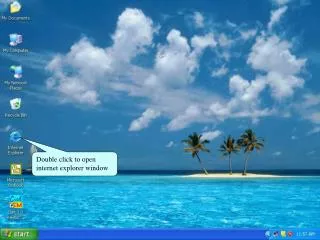
Type eims.mayocollege.com/parent/login.asp On The Address Bar OR Type www.mayocollege.com and Click on e-IMS on the homepage
Username :Student Scholar No Password :<<mayo>> Enter User Name And Password
Important :Change your Password during First login Change Password Screen
Click On The View My Ward DetailsLink To See the Student Details
Click On View Borrowed Books To See The Details Of Books Issued
Select From Date And To Date To See DC Details Between These Days