Download
1 / 6
60 likes | 171 Vues
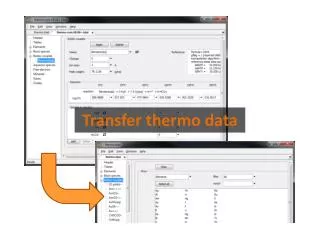
Learn how to seamlessly transfer entries between thermodynamic datasets in TEdit. This guide outlines the steps for copying data from a source dataset, such as thermocom.V8.R6+.tdat, to a target dataset like thermo.tdat. Open both datasets in TEdit, select the desired entry, and use the copy function to transfer data related to the redox species Benzene and Basis species Log Ks at principal temperatures. You’ll also discover how to use drag-and-drop functionality for quick data transfers. Save your new dataset as thermo+benzene.tdat for future use.

E N D
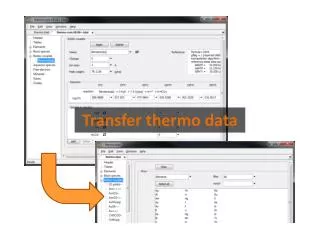
You can use TEdit to copy entries from one thermo dataset (the source) into another (the target). Open both datasets in TEditand select the entry you’d like to copy.
Copy from the source (thermo.com.V8.R6+.tdat) Edit → Copy Reaction between redox species Benzene and the Basis species Log Ks at principal temperatures: “−” sign indicates LHS
Paste into the target (thermo.tdat)… Edit → Paste … and save as a new dataset (thermo+benzene.tdat) File → Save As… → thermo+benzene.tdat
You can also use drag and drop to transfer entries to other datasets. Left-drag into the target dataset and release.
If both datasets are open in the same window, just hover over a tab as you left-drag to change the focus... ... then release below the tab to drop the entry into the target dataset.