Download
1 / 10
100 likes | 211 Vues
Writer’s Resources 2.0 is a comprehensive writing course bundled in an easy-to-use software program. It features over 4,500 engaging activities and exercises, meticulously designed to boost your writing skills. Navigate seamlessly through the program by selecting topics from the main menu, including the Writing Process, Writing Elements, Rhetorical Patterns, and Grammar Mechanics. Keep track of your progression by printing your results, as the software does not save scores automatically. Enhance your writing abilities, from essays to grammar, all in one accessible platform.

E N D
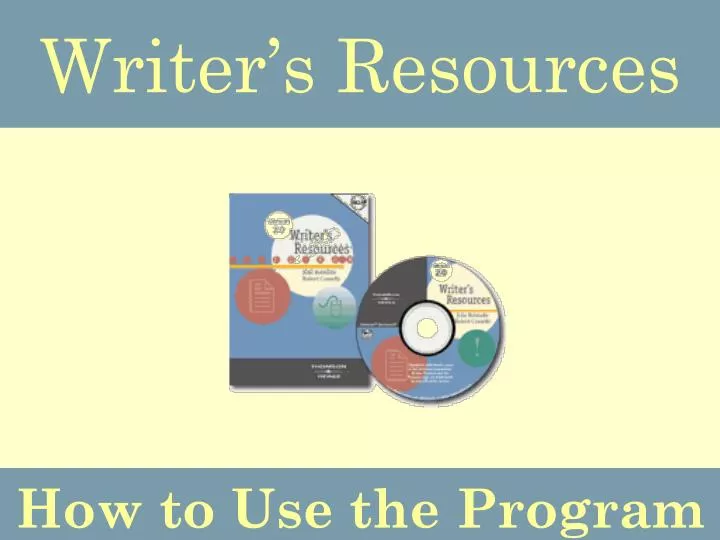
Writer’s Resources How to Use the Program
Why Use Writer’s Resources? Writer’s Resources 2.0 is a complete writing course in one easy-to-use software program. It includes over 4500 activities and exercises to strengthen all of your writing skills!
How to Find the Program Step 1:Select the ESL Resources folder on the Skills Center desktop Step 2:Select the Writing folder
How to Find the Program Step 3:Select the Writer’s Resources 2.0 icon Step 4:Select the “Click to continue to Contents” button to start the program
Main Menu Select a topic from the four content areas. Writing Process Lessons help organize your thoughts and improve paragraph and essay writing.
Main Menu Select a topic from the four content areas. Writing Elements Lessons explore the correct forms and structures of sentences, paragraphs, and essays.
Main Menu Select a topic from the four content areas. Rhetorical Patterns Lessons explain eight different essay organizational patterns and how to write a summary, an analysis, and an argumentative essay.
Main Menu Select a topic from the four content areas. Grammar, Punctuation, and Mechanics Lessons offer practice modules and exercise sets to show how various grammatical rules apply to writing.
Printing Your Results This program DOES NOT save your scores so you must either PRINT your results or write them down on your own paper! Step 2: Type in your name and a list of the lessons you have completed in this session will appear Step 1: Select “Report” from the gray task bar Step 3: Click the “Print Grades” button to print your scores
Exiting the Program When you have finished using Writer’s Resources, close the program by clicking on the “Exit” button in any screen Please speak with the Skills Center staff if you have questions or need more help with this program!