
SlideServe
Menu
Préférences
© SlideServe · v2026

Tips to Convert Transaction Data from MYOB to QuickBooks

matthewbogut avatar
2 diapositives · 98 Views · Dec 13, 2016

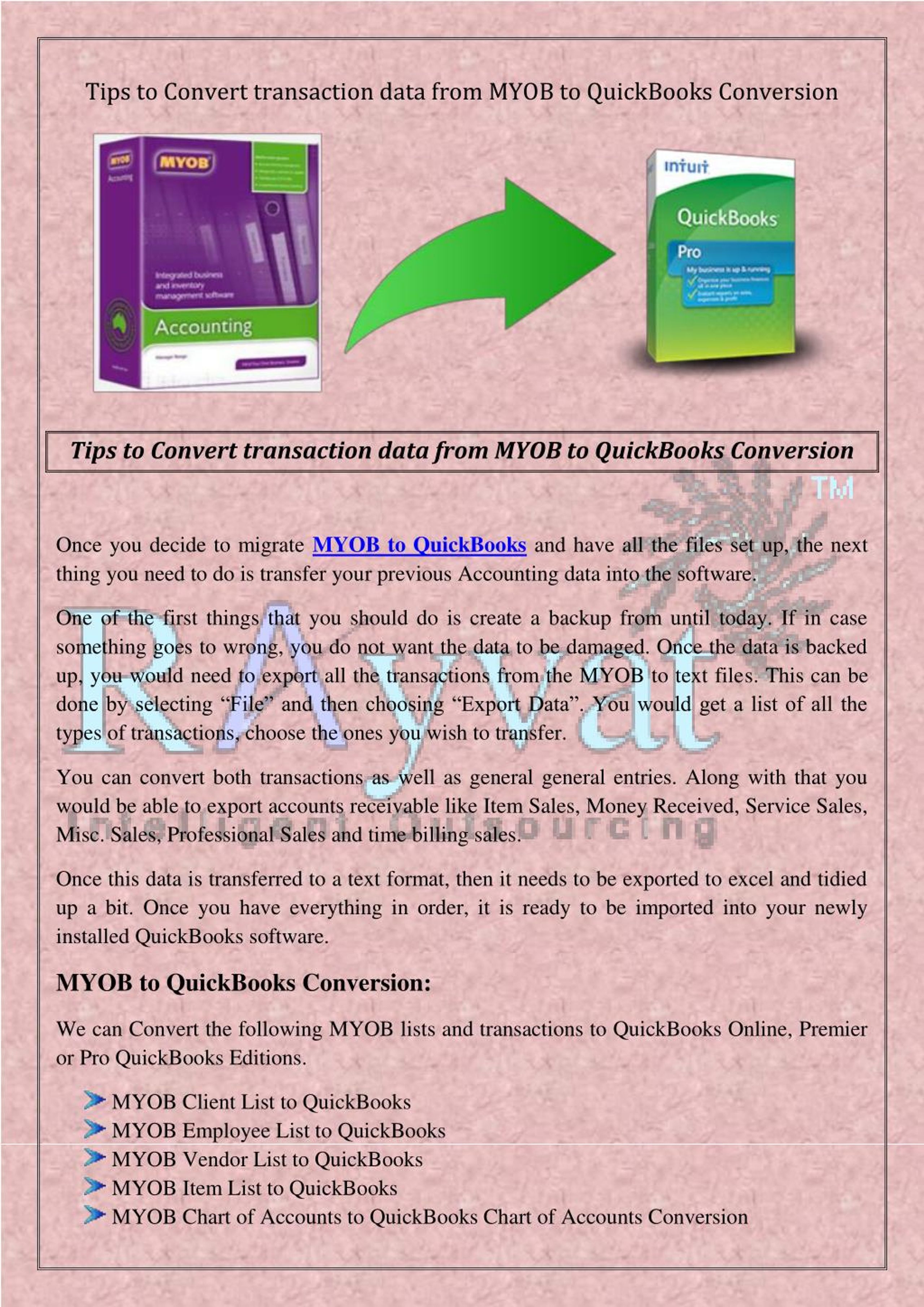
Once you decide to migrate MYOB to Quickbooks, then you have to backup all the previous data. Tips to convert transaction data from MYOB to QuickBooks
Tips to Convert Transaction Data from MYOB to QuickBooks - slide 1
01 / 2Tips to Convert Transaction Data from MYOB to QuickBooks
1 / 17

Télécharger la présentation

Tips to Convert Transaction Data from MYOB to QuickBooks
Une image / un lien ci-dessous est fourni (tel quel) pour télécharger la présentation

Politique de téléchargement : le contenu du site vous est fourni TEL QUEL pour votre information et votre usage personnel ; il ne peut être vendu, concédé sous licence ni partagé sur d’autres sites sans l’accord de son auteur.Le contenu vous est fourni TEL QUEL, pour votre information et votre usage personnel uniquement. Téléchargez la présentation en cliquant sur ce lien. Lors du téléchargement, si vous ne parvenez pas à télécharger une présentation, l’éditeur a peut-être supprimé le fichier de son serveur.Pendant le téléchargement, si vous ne parvenez pas à obtenir une présentation, le fichier a peut-être été supprimé par l’éditeur.

F I N

Plus de contenu associé

Transcription de la présentation
  1. Tips to Convert transaction data from MYOB to QuickBooks Conversion Tips to Convert transaction data from MYOB to QuickBooks Conversion Once you decide to migrate MYOB to QuickBooks and have all the files set up, the next thing you need to do is transfer your previous Accounting data into the software. One of the first things that you should do is create a backup from until today. If in case something goes to wrong, you do not want the data to be damaged. Once the data is backed up, you would need to export all the transactions from the MYOB to text files. This can be done by selecting “File” and then choosing “Export Data”. You would get a list of all the types of transactions, choose the ones you wish to transfer. You can convert both transactions as well as general general entries. Along with that you would be able to export accounts receivable like Item Sales, Money Received, Service Sales, Misc. Sales, Professional Sales and time billing sales. Once this data is transferred to a text format, then it needs to be exported to excel and tidied up a bit. Once you have everything in order, it is ready to be imported into your newly installed QuickBooks software. MYOB to QuickBooks Conversion: We can Convert the following MYOB lists and transactions to QuickBooks Online, Premier or Pro QuickBooks Editions. MYOB Client List to QuickBooks MYOB Employee List to QuickBooks MYOB Vendor List to QuickBooks MYOB Item List to QuickBooks MYOB Chart of Accounts to QuickBooks Chart of Accounts Conversion

  2. QuickBooks Transaction Types Conversion: MYOB Invoices to Quickbooks MYOB Sales Receipts to Quickbooks MYOB Vendor Credits to Quickbooks MYOB Credit Card Charges to QuickBooks MYOB Item Receipts to QuickBooks If the data that you wish to transfer spans over a few years, it would be advisable to break it in chunks of a few weeks. Since this is an extremely time consuming process, you can take help of outsourcing partners like My Accounts Consultant. Our Accounting Software conversion is 100% accurate and we offer the competitive prices on the web. We offer the most accurate and cost-effective MYOB to QuickBooks conversion Online accounting services around the world. We can convert MYOB data to the US, Canadian, UK, or the Australian version of QuickBooks.