Download
1 / 9
120 likes | 293 Vues
Explore the essential aspects of Turnitin, a web-based tool launched in July 2002, designed to uphold academic integrity through effective plagiarism detection. This guide covers the history and functionality of Turnitin, the role of various users including administrators, faculty, and students, and the importance of due process in judicial review. Learn how to create an account, navigate the platform, and use it to deter plagiarism within educational settings. Discover on-campus support resources available at SUNY Fredonia and the significance of maintaining academic honesty.

E N D
Turnitin Overview
History • Academic Integrity Committee • Due process for judicial review • Central information • Plagiarism detection tools
Turnitin • Who • What • Where • When • How • Why
Who • Administrator • Me • Faculty • You • Student (maybe) • Them
What • Web-based • Plagiarism detection tool
Where • On-campus Support Site www.fredonia.edu/turnitin • Turnitin Server Site www.turnitin.com/index.asp
When • Since July 2002 until ???
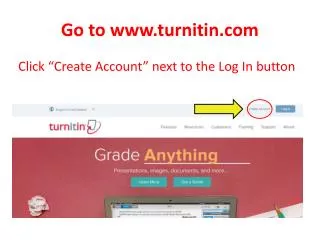
How • Create an account at Turnitin.com • Have your account joined to SUNY Fredonia’s account • Use the tool • Ad hoc • Enter via keyboard • Copy and paste from digital copy • Have students submit directly to TII “Getting Started with Turnitin for Students”
Why • To deter plagiarism • “Scare” tactic