Download

1 / 11
110 likes | 224 Vues
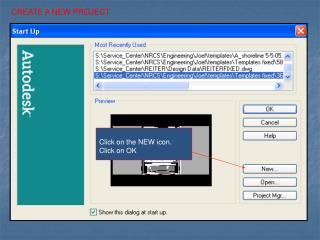
Learn how to submit a new project request on TechLink's website. Start by visiting http://www.techlinkinternational.com and logging in with your credentials. Navigate to the 'New Project' section in the left menu to complete the required information about your item, including the type, country of destination and origin, and artwork format. Upload necessary files by clicking 'Browse'. After reviewing your selections, specify the quantity, add the model number, and hit 'Submit'. For assistance, reach out to Phil Daniel or Lilian Llull at TechLink.

E N D
Type in TechLink’s website address using your web browser: • http://www.techlinkinternational.com
Click on new project on the left side of the light blue bar:
Answer all the questions regarding your item: type of item, Country of destination, country of origin, artwork format.
The file uploaded appear long with the project summary. Please double check the information that you selected :
Select the amount of items below the summary, add the model number then click submit.
Please contact Phil Daniel or Lilian Llull if you have any questions or comments: 18851 NE 29th Ave Suite #720 Aventura, FL 33180 (305) 377-0077 phil_d@techlinkusa.net