NiCd Battery Charger
200 likes | 331 Vues
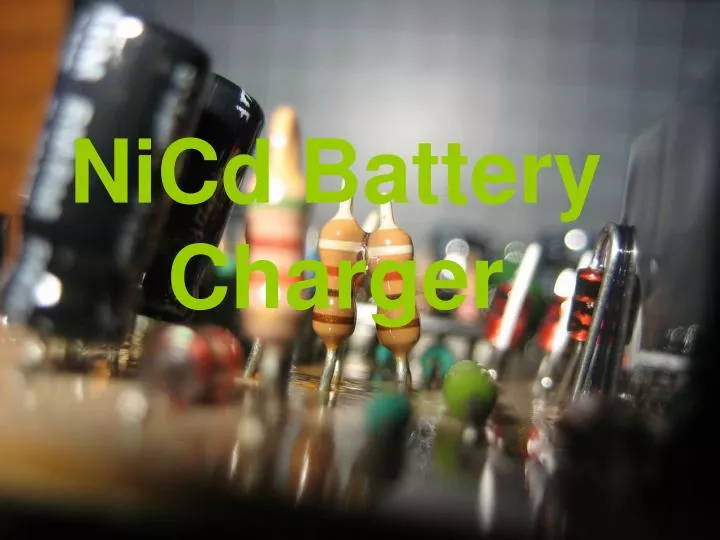
This comprehensive guide walks you through creating a NiCd battery charger from scratch using a copper-clad PCB. You'll learn to cut the board accurately with a matte knife, ensure a clean copper surface, and design your circuit layout. The steps include filling in the ground plane for optimal electrical properties, etching the board with your preferred etchant, and drilling holes for component placement. With detailed instructions on populating and soldering the board, this project is perfect for electronics enthusiasts looking to build their own charger.


NiCd Battery Charger
E N D
Presentation Transcript
Copper clad boardRuler and matte knife to cut itScrubby pad to shine it
Cut the PCB Down to SizeMake sure to cut all the way through copper layer. Otherwise it'll tear when the fiberglass snaps.
Fill in the Ground PlaneIt's easier on your etching (and sometimes has beneficial electrical properties) if you keep a fair amount of copper on the board to use as a very-low-impedance ground path.
Acetone pwns sharpie! Also note that I'm not doing this directly on my countertop. Sharpie and acetone bleeds through paper towels.