
SlideServe
Menu
Préférences
© SlideServe · v2026

Essential Principles of User Interface Design for Effective Software Communication

morwen avatar
16 diapositives · 359 Views · Sep 08, 2014

This document outlines key design concepts for creating intuitive user interfaces that enhance software usability. Anchored in principles by Don Norman, it emphasizes the importance of visibility, affordances, and constraints in design. By establishing good conceptual models, utilizing clear visual information, and adhering to user-centered design practices, developers can simplify user interactions and ensure that software behaviors are effectively communicated. The role of cultural stereotypes in design and the challenges of modern user interface complexity are also explored.
Essential Principles of User Interface Design for Effective Software Communication - slide 1
01 / 16Essential Principles of User Interface Design for Effective Software Communication
1 / 17

Télécharger la présentation

Essential Principles of User Interface Design for Effective Software Communication
Une image / un lien ci-dessous est fourni (tel quel) pour télécharger la présentation

Politique de téléchargement : le contenu du site vous est fourni TEL QUEL pour votre information et votre usage personnel ; il ne peut être vendu, concédé sous licence ni partagé sur d’autres sites sans l’accord de son auteur.Le contenu vous est fourni TEL QUEL, pour votre information et votre usage personnel uniquement. Téléchargez la présentation en cliquant sur ce lien. Lors du téléchargement, si vous ne parvenez pas à télécharger une présentation, l’éditeur a peut-être supprimé le fichier de son serveur.Pendant le téléchargement, si vous ne parvenez pas à obtenir une présentation, le fichier a peut-être été supprimé par l’éditeur.

F I N

Plus de contenu associé

Transcription de la présentation
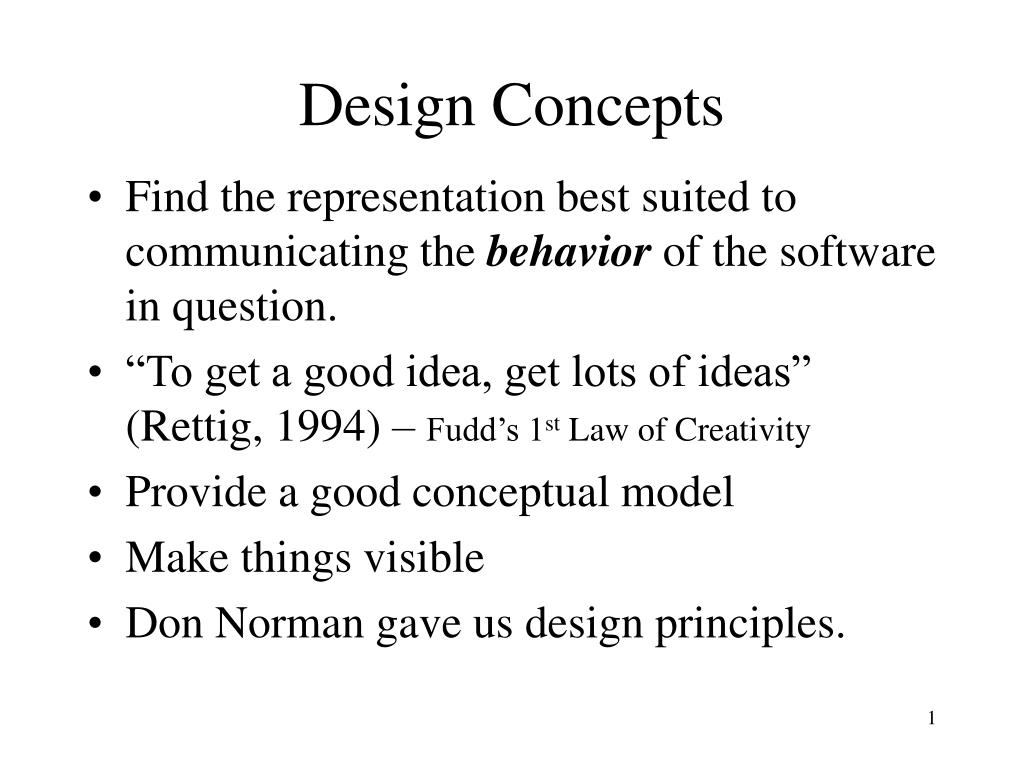
  1. Design Concepts • Find the representation best suited to communicating the behavior of the software in question. • “To get a good idea, get lots of ideas” (Rettig, 1994) – Fudd’s 1st Law of Creativity • Provide a good conceptual model • Make things visible • Don Norman gave us design principles.

  2. Design Principles - Norman • Some important interface design principles from “The Design of Everyday Things”are: • Visibility • Affordance • Naturalmapping • Constraints • Conceptualmodels • Feedback

  3. Visibility • Good user interfaces are Visible. • The user is able to perform tasks by making selections and by manipulating objects. • A features existence is obvious by simple inspection. • To be really visible a feature must be understood by the user. • Visible user interfaces often result from a noun-then-verb interaction .

  4. Visible Interfaces • Some common visible interfaces: • Commands • Menu bars • Toolbars with tool tips • Coordinated menu bars and toolbars • Hyperlinks • Windows • Dialog boxes • Wizards

  5. Visible Interfaces • Controls • Command buttons • Edit or text boxes • Edit boxes with spin boxes and browse buttons • Combo / list boxes … etc

  6. Visible Interfaces • Visual Information • Plain Text • Previews • Tooltips – quick way to pass on info’. • Cursor hinting

  7. Affordances • Are the perceived and actual fundamental properties of the object that determine how it could possibly be used. • Appearance indicates how an object should be used. • Actual affordances play a relatively minor role in screen-based products.

  8. Constraints • Constraints reduce the number of ways to perform a task • Object should contain knowledge. • Visible Constraints • Set limitations on the actions possible, perceived from the appearance of the object • Provides users with a range of usage possibilities

  9. Conceptual Model By conceptual model we mean a description of the proposed system in terms of a set of integrated ideas and concepts about what it should do, behave and look like, that will be understandable by the users in the manner intended.

  10. Understandable Actions • Causality • False causality • Incorrect effect • Invisible effect • Transfer effects

  11. Population Stereotypes • Populations learn idioms that work in a certain way: • Idioms vary in different cultures • Ignoring or changing stereotypes • Very difficult to change stereotypes

  12. Functionality • A features functionality is indicated by the following: • Visual attributes • Simple experimentation • Help • Standards or convention • Common sense or real-life experience • Part of culture

  13. Who Do You Design For? • People are different • Rarely possible to accommodate all people • Rules of thumb for design

  14. Who do you Design For?

  15. Who do you Design For?

  16. Why Design is Hard • The number of things to control has increased dramatically • Display has become increasingly artificial • Feedback has become more complex, subtle and less natural. • Marketplace pressures • Cost and appearance usually override human factors design