Three ways to incorporate graphics
10 likes | 150 Vues
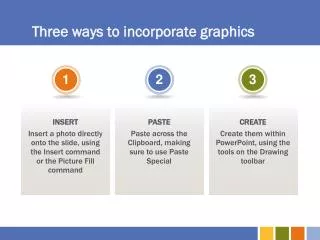
Discover three effective methods to enhance your PowerPoint presentations with graphics. First, learn how to directly insert photos onto your slides using the Insert command or the Picture Fill command for a seamless integration. Next, explore the PASTE option to copy images from the Clipboard using Paste Special for customized placement. Finally, create unique graphics using tools available on the Drawing toolbar within PowerPoint. These techniques will elevate your presentation and engage your audience visually!


Three ways to incorporate graphics
E N D
Presentation Transcript
1 3 2 Three ways to incorporate graphics INSERT Insert a photo directly onto the slide, using the Insert command or the Picture Fill command PASTE Paste across the Clipboard, making sure to use Paste Special CREATE Create them within PowerPoint, using the tools on the Drawing toolbar