
SlideServe
Menu
Préférences
© SlideServe · v2026

Understanding HTML Links: Creation and Syntax Explained

ping avatar
13 diapositives · 294 Views · Aug 24, 2014

This guide provides a comprehensive overview of HTML links, detailing how to create hyperlinks using anchor tags. A hyperlink is defined as clickable text or images that direct users to new documents, sections within the same document, or other websites. Key syntax elements, such as the `` tag and the `href` attribute, are explained, along with examples of linking to both local files and external websites. Additional attributes like `target` can enhance link functionality. Perfect for web developers and beginners alike!
Understanding HTML Links: Creation and Syntax Explained - slide 1
01 / 13Understanding HTML Links: Creation and Syntax Explained
1 / 17

Télécharger la présentation

Understanding HTML Links: Creation and Syntax Explained
Une image / un lien ci-dessous est fourni (tel quel) pour télécharger la présentation

Politique de téléchargement : le contenu du site vous est fourni TEL QUEL pour votre information et votre usage personnel ; il ne peut être vendu, concédé sous licence ni partagé sur d’autres sites sans l’accord de son auteur.Le contenu vous est fourni TEL QUEL, pour votre information et votre usage personnel uniquement. Téléchargez la présentation en cliquant sur ce lien. Lors du téléchargement, si vous ne parvenez pas à télécharger une présentation, l’éditeur a peut-être supprimé le fichier de son serveur.Pendant le téléchargement, si vous ne parvenez pas à obtenir une présentation, le fichier a peut-être été supprimé par l’éditeur.

F I N

Plus de contenu associé

Transcription de la présentation
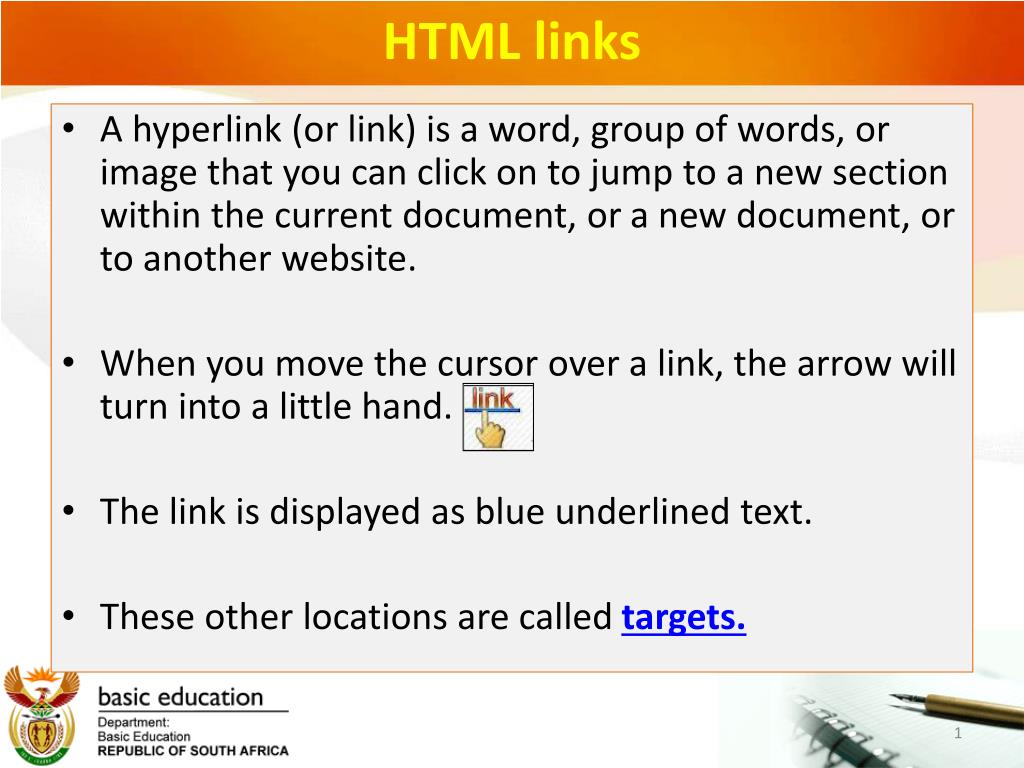
  1. HTML links • A hyperlink (or link) is a word, group of words, or image that you can click on to jump to a new section within the current document, or a new document, or to another website. • When you move the cursor over a link, the arrow will turn into a little hand. • The link is displayed as blue underlined text. • These other locations are called targets.

  2. HTML links • A link is specified usinganchor tags: <a></a> • Anything between the opening < a > tag and the closing < /a > tag becomes part of the link that users can click in a browser

  3. HTML links • To link to another web page, the opening < a > tag must carry an attribute called href ; the value of the href attribute is the name of the file you are linking to • href means “hypertext reference” • This attribute tells the browser where to find a link

  4. HTML links within the same folder • A link to a web page within the same folderof the website would look like this: <a href="filename.html">text to be clicked</a>

  5. <a href="filename.html">text to be clicked</a> • The href attribute contains the file name of the destination web page • The file name is enclosed in quotation marks and it includes the .html extension • The text between the opening and closing a tag is the link you will click • To keep things simple, for now place all your web pages in the same folder

  6. Linking to another website • Linking to another website is done by putting the entire website address (url) into the href attribute: <a href="http://www.siteaddress.com">text to be clicked here</a> • Be sure that http:// is included in the website address

  7. Link syntax: <a href="filename.html">text to be clicked</a> <a href=”http://www.google.com”>This is a link </a> - Attributes: target and name

  8. What would your syntax be to get following result?

  9. In Notepad it should look like this

  10. OR

  11. What would your syntax be to get following result?

  12. Example of Links

  13. Example of Bookmark • <p><a href = "#top">Back to the top</a>