Download
1 / 17
170 likes | 302 Vues
Flash is widely used for creating animated movies, games, and website interfaces, such as headers and navigation bars. Its key advantages include fast loading times and efficient use of vector graphics, which allow for smoother animations and lower file sizes. However, not everyone has Flash players, especially on devices like iPhones and iPads, and editing Flash files can be challenging. This guide covers basic concepts like tweening, shape transformation, and offers insights into the Flash interface, including layers, timelines, and common editing shortcuts.

E N D
Flash is used for: Animated movies Games Website Interface (Headers, Navigation Bar buttons) INTRODUCTION TO FLASH
Pros: Flash loads quickly • Flash uses mostly Vector graphics • which is faster than Raster graphics Flash reuses the same elements - file sizes are lower It's difficult to use someone else's flash files and edit them
Cons: Not everyone has flash players (iphones/ ipads don't support it) Flash files are complicated and tough to edit • It's difficult to use someone else's flash files and edit them
Cartoon: http://www.homestarrunner.com/sbemail132.html Games: http://www.cleverpig.com/flashstuff.htm Headers: http://www.visualxtreme.com/headers.html
Inbetweening or tweening is the process of generating intermediate frames between two images to give the appearance that the first image evolves smoothly into the second image • Shape tweening • means transforming anobject from one state into an other. This is usually called morphing
TEXT – MOTION & TRANSFORMATION
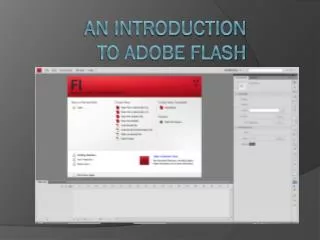
Introduction to Flash Animation MAIN MENU TOOL BAR LAYERS TIMELINE STAGE PALETTES PROPERTIES CHANGE TO CLASSIC
Layers & Timeline SCRUBBER SHOW/HIDE LAYER LAYER NAME LOCK LAYER DELETE LAYER FRAMES INSERT LAYER F5 - Add Frame Shift /F5 - Delete Frame Ctrl/F8 - Make new Symbol F6 - Add Key Frame Ctrl/Enter - Test Movie Enter - Play F8 - Turn existing object into Symbol