Streamlining Student Logons: The Case for a Single Logon System
This presentation advocates for a unified student logon system across multiple locations at the University of North Texas. It highlights the importance of security, user accountability, and convenience. A single logon allows students to remember just one credential while accessing all their files stored on remote servers. By detailing the required hardware and software, along with the associated costs, we demonstrate the feasibility and benefits of implementing this system, ultimately enhancing student experience and administrative control.

Streamlining Student Logons: The Case for a Single Logon System
E N D
Presentation Transcript
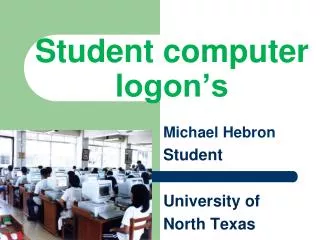
Student computer logon’s Michael Hebron Student University of North Texas
Background CSCE 2410 PROGRAM LAB CSCE 2900 SPECIAL PROBLEMS CSCE 4010 ENG ETHICS
Purpose To convince this audience… that there is a better way to create student logons in multiple locations with a single logon.
Introduction • What is a user Logon. • The benefits of a single logon. • What is involved to create this system.
What is User Logon Image#2 – must relate to your heading #1
What is The Reason For a User Logon Image#3 – must relate to your sub-heading #1
What is the reason for a user logon • The benefits of a user logon. • Why not just leave the computers logged on. • What are the risks from not using a log on system.
Why Not Just Leave The Computers Logged On • Personal security is a major factor. • You only get limited control. • No accountability for users.
Users Only Have to Remember One Logon • Users only have to remember one logon. • With a single logon the user can access all their files. • A single logon allows freedom.
With a Single Logon The User Can Access All Their Files • Files are stored on the server vs. the local machine. • Programs can be included to a users profile via Active Directory. • Users become accountable for their accounts.
A Single Logon Allows Freedom • Remote file storage. • Local machine failure not catastrophic. • Roaming profile allows computer independence.
Hardware Needs • Servers are the back bone. • The use of switches and data storage. • DNS and Active Directory control user logon.
Software Needs • Microsoft server. • Unix. • Citrix Solutions. http://technet.microsoft.com/en-us/windowsserver/default.aspx
Tying it All Together Integrating the systems. Planning for the future.
Associated Costs • Hardware costs. • Software costs. • Labor.
Conclusion/Summary • With a single logon students have more flexibility. • Easier to control access to systems needed. • Has potential to expand.