
Web Color
E N D
Presentation Transcript
Issues with Color • Every hardware setup is different • graphics card quality and resolution • monitor quality and resolution • resolution and bit-depth settings • brightness and contrast settings • Ambient light is different • public spaces • fluorescent glare • track lighting • darker rooms, higher contrast
Color Modes • Ignore CMYK, Lab, Pantone, etc. • RGB • Indexed Color Mode
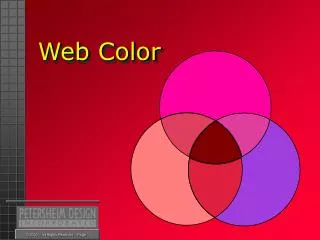
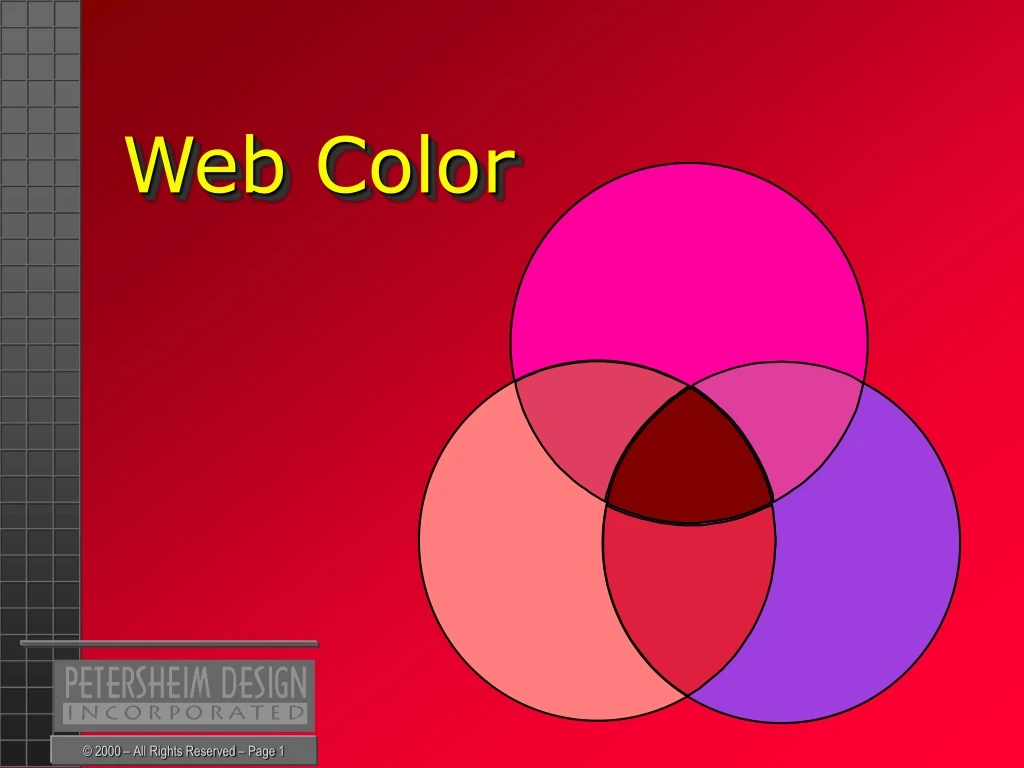
Subtractive vs. Additive Color • Subtractive color is • perceived based on the light reflected from an object at a particular frequency • dark surfaces absorb photons • light surfaces reflect photons • paint, pencil, charcoal, ink…on paper or canvas • Additive color is • a combination of Red, Green, & Blue light projected on a TV or computer monitor • e.g. R255 + G255 + B255 = White
Color Management Systems • Combination of hardware... • monitor • graphics card • …and software • graphics card driver • operating system setups • applications like Photoshop, Kodak CMS • Macintosh vs. PC color management • Macs display color lighter and brighter than PC
Pixels ‘n Bits • Computer color is specified in bit depth • Many designers use 16-bit “high color” or 24 and 32-bit “true color” settings • Many notebooks still only display 8-bit or 256 colors • Thus the need for Browser-Safe Color • Try at home: Changing Settings using “Display” within Control Panel
A Standard of Sorts • Lowest Common Denominator • 8-bit 256 color • minus 40 colors reserved for user interface • Microsoft & Netscape have agreed on a palette of 216 “Browser-Safe Colors” • heavy on greens and blues • light on reds • too few light colors for backgrounds
Filters and Effects • Add colors beyond the 216 Palette • When ready to save as GIF, convert these colors back to “browser-safe” realm • Image>Mode>Indexed Color • Select Web from the Palette menu • Select Diffusion in the Dither menu • Dithering helps simulate those colors which are not browser-safe
Mixing Safe Colors • A trick attributed to Lynda Weinman, author of Coloring Web Graphics • Procedure: • Load the 216 Palette into the Swatches Palette • Create a new file 20 x 20 pixels, RGB, Transparent • View>Fit On Screen • Pick one color from palette, then pencil tool from toolbar and fill alternate pixels • Repeat This manual method has been automated by “DitherBox” a new filter in Adobe Photoshop 5.5 and 6.0
Naming Colors in HTML • For non-graphic elements like links and text • Over 100 available • brown • green • hot pink • etc. • Only 10 are browser-safe... Black White Aqua Blue Cyan Fuchsia Lime Magenta Red Yellow
Color Numbers in HTML: Converting RGB to Hexadecimal Percent (white or color) 0% 20% 40% 60% 80% 100% Percent (black) 100% 80% 60% 40% 20% 0% RGB Value 0 51 102 153 204 255 Hexadecimal 00 33 66 99 CC FF
RGB • Designed for color TV and color monitors • Additive Color • R255 + G255 + B255 = White • R0 + G0 + B0 = Black • R102 + G102 + B102 = 60% Gray • R0 + G255 + B255 = Cyan • R255 + G0 + B255 = Magenta • R255 + G255 + B0 = Yellow • Only some combinations are browser-safe
Color for WebTV • Only 163 of the 216 Palette can be used • Some colors are actually illegal for TV broadcast
Reducing File Size • Pick fewer colors from outset • Reduce the number of colors in the CLUT • every GIF has one • a palette of 216 colors attached to the GIF file, even if one 2 are used • Use a compression program like WebGraphics Optimizer or ImageReady The Color Lookup Table
Indexed Color Mode • Designed for Web and other MultiMedia • Limits image to 256 colors (or fewer) • Creates a Color Lookup Table (CLUT) • Flattens the file • Sometimes destroys or degrades effects of Photoshop filters or special effects • Creates web-ready GIF file
Web Sites for Web-Safe Colors • http://www.eaglefp.com/java/colorcube/colorcube.htm • Nifty interactive tool for choosing a web-safe background color • http://www.visibone.com/colorlab/ • Nice poster-based tool for identifying hex, RGB, and CMYK values for web-safe colors • Full-color 18”x24” poster available for $15 • http://www.visibone.com/swatches/ • Downloadable swatch palettes for many graphic software programs
Specifying Color • The Color Picker • The Color Palette (sliders) • The Swatches Palette • The Eyedropper Tool • Practice Each Tool
Adjusting Color • Brightness/Contrast • Hue/Saturation • Desaturate • Invert • Threshold • Posterize • Practice Each Tool