Comprehensive Data Analysis and Cleaning for Animal Health Reports
This project focuses on analyzing animal health data to evaluate the treatment efficacy of vitamins and antibiotics. Key metrics include total species counts, vitamin usage rates, survival proportions among treated and untreated animals, and a breakdown of the five most common diseases. The analysis includes visual representations of data trends over time, including a monthly chart of disease incidence and seasonal patterns. The data cleaning process integrates all information into a single worksheet, removing merged cells and unnecessary rows while utilizing various Excel functions for effective management.

Comprehensive Data Analysis and Cleaning for Animal Health Reports
E N D
Presentation Transcript
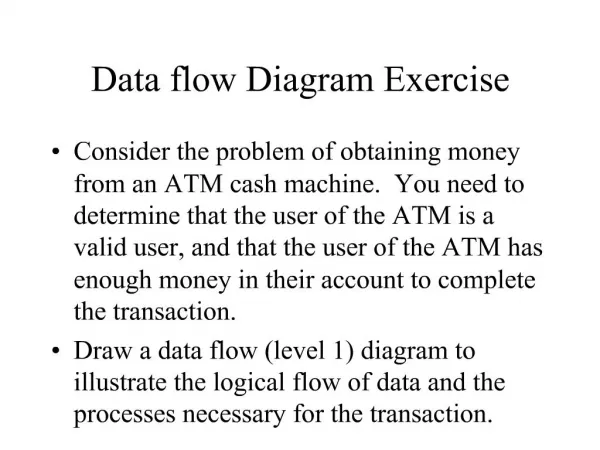
Data LaporanPetugas • Questions • Total animals of each species • Vitamin usage • Proportion treated with vitamins • Of those treated, proportion survived • Of those not treated, proportion survived • List the five most common diseases • Display on a graph • Seasonal pattern of disease • Chart of reported incidence by month
Data cleaning • Move all data into single worksheet • Remove all merged cells • Sort all data by date • Headers and empty fields go to bottom • Delete unneeded rows • Remove all lines
Separating species and number • Two approaches • Use of formula • A bit complex • Some manual correction needed • Use of “Text to Column function” • Faster, simpler • Some manual correction needed
Formulae that could be used • Search() • Trim() • Left() • Proper() • Mid() • Iserror() • As well as some manual error correction
Text to columns • Make empty column • HighlighJenis & JML column • Click Text to Columns on Data tab • Delimited, then Next • Check space and other, then enter ‘-’ for other • Click Finish
Use of Antibiotics or Vitamins • Formulae • Trim • Proper • If() • Isblank()