Download
1 / 1
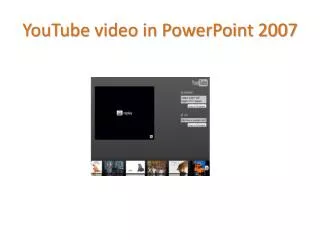
Create Engaging Presentations Using YouTube Videos in PowerPoint 2007
10 likes | 142 Vues
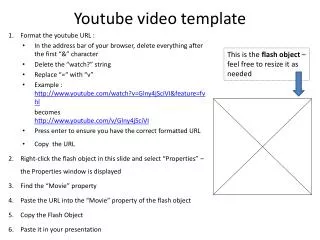
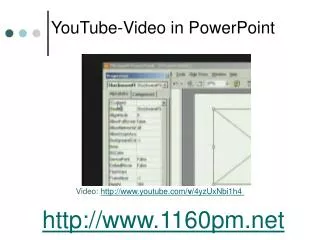
Learn how to enhance your PowerPoint 2007 presentations by embedding YouTube videos. This tutorial will guide you step-by-step through the process of integrating multimedia content into your slides to captivate your audience. Discover tips on selecting appropriate videos, ensuring smooth playback during your presentation, and optimizing your slides for better visual appeal. Whether for education, business, or personal use, this technique will make your presentations more dynamic and engaging!

Télécharger la présentation 
Create Engaging Presentations Using YouTube Videos in PowerPoint 2007
An Image/Link below is provided (as is) to download presentation
Download Policy: Content on the Website is provided to you AS IS for your information and personal use and may not be sold / licensed / shared on other websites without getting consent from its author.
Content is provided to you AS IS for your information and personal use only.
Download presentation by click this link.
While downloading, if for some reason you are not able to download a presentation, the publisher may have deleted the file from their server.
During download, if you can't get a presentation, the file might be deleted by the publisher.
E N D










More Related