Download
1 / 21
210 likes | 333 Vues
This guide focuses on the essential practices of working with tables in Geographic Information Systems (GIS). It discusses key features like one record per feature, unique column naming, defining data types, and setting appropriate attribute widths. It also covers methods for joining and relating tables, including one-to-one, many-to-one, one-to-many, and many-to-many relationships. The importance of maintaining original data integrity while joining is emphasized, and it offers insights into data summarization and visualization techniques like charts and reports.

E N D
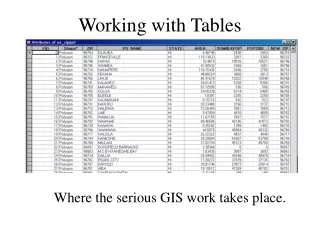
Working with Tables Where the serious GIS work takes place.
Field or Column Record or Row One Feature – One Record
Field Requirements • Use unique column names • Define the data type to be stored • Appropriate width for attribute value. Data Types will be discussed in the next lecture.
Joining and Relating Tables A Common Field
One to One Relationship Join the tables.
Many to One Join the tables.
One to Many Relationship Relate the tables.
Many to Many Relate the tables.
Joining to another table based on atributes. This is the table you are joining These are the common fields
Join Results Original Owners.dbf Original Coffee Shop Attribute Table (points)
Joined Tables • The originals remain separated • They can be unjoined • You can use joined data to symbolize and classify. • You can create statistics, charts and reports.
What happens if you join when you should relate for a One to Many? ? ? Join will combine for the first record and then ignore the rest. Relate will connect all the records. ?
What happens if you join in a Many to One The records are duplicated in the Joined file
Multiple Joins and Relates(Daisy Chains) Route Route