

SlideServe
Menu
Préférences
© SlideServe · v2026

Scary Spud

sue avatar
5 diapositives · 331 Views · Jul 27, 2014

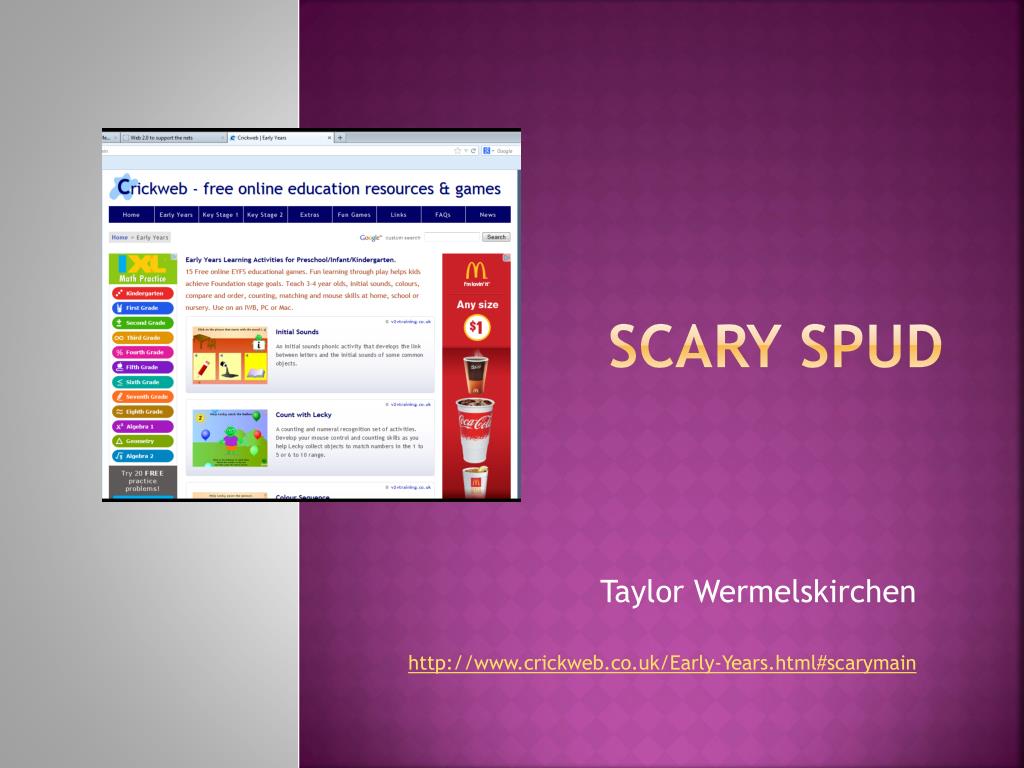
Scary Spud . Taylor Wermelskirchen http :// www.crickweb.co.uk/Early-Years.html#scarymain. What the tool is. This tool is a website that has many of different games that go along with a lot of different things that are taught in school
Scary Spud - slide 1
01 / 5Scary Spud
1 / 17

Télécharger la présentation

Scary Spud
Une image / un lien ci-dessous est fourni (tel quel) pour télécharger la présentation

Politique de téléchargement : le contenu du site vous est fourni TEL QUEL pour votre information et votre usage personnel ; il ne peut être vendu, concédé sous licence ni partagé sur d’autres sites sans l’accord de son auteur.Le contenu vous est fourni TEL QUEL, pour votre information et votre usage personnel uniquement. Téléchargez la présentation en cliquant sur ce lien. Lors du téléchargement, si vous ne parvenez pas à télécharger une présentation, l’éditeur a peut-être supprimé le fichier de son serveur.Pendant le téléchargement, si vous ne parvenez pas à obtenir une présentation, le fichier a peut-être été supprimé par l’éditeur.

F I N

Plus de contenu associé

Transcription de la présentation
  1. Scary Spud Taylor Wermelskirchen http://www.crickweb.co.uk/Early-Years.html#scarymain

  2. What the tool is • This tool is a website that has many of different games that go along with a lot of different things that are taught in school • Some of the links available are for the early stages of learning, the key stage 1 and key stage 2 • Within the key stages there is reading, history, science, numeracy, and literacy • There is also a place that has quizzes that you can use • Than there is another link to just fun games that the students might enjoy

  3. How To Use It In the Classroom • I would use this in my classroom by having the students play some of the certain games that are found on this website • With the specific lessons that I will teach in the classroom I can provide a few different games that will help them comprehend just exactly what we learned in school that day • Plus if the students really like these games than maybe they can go home and play them too

  4. Benefits for Teachers • This website has many teaching resources • 253 free educational interactive teaching resources and activities for Primary/Secondary • 165 plus links for free interactive teaching activities, educational games, image and software resources • This will make it easy so that I will not have to always try to go out and find a website with a game that I may or may not know will help the student in what we are learning

  5. Benefits for Students • The games are very fun and very interesting games that each of the students will want to play • 77 free to use fun kids games/activities for kids aged 4-11 • Again maybe the student will want to go home and play these games or show their parents what we were doing at school that day http://www.crickweb.co.uk/Early-Years.html#scarymain