Create Your Book: Step-by-Step Guide for Each Page
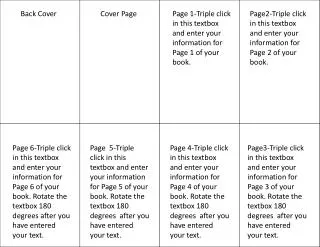
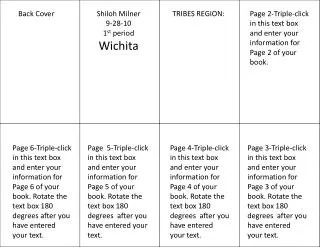
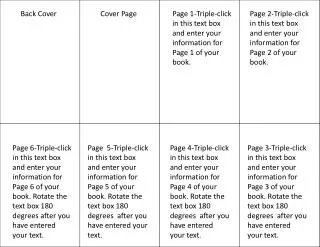
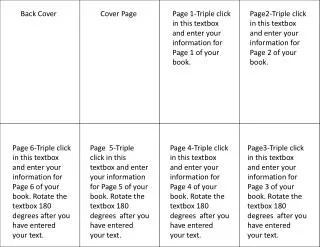
This guide provides detailed instructions for entering information on each page of your book. Follow the simple steps to triple click on the designated textboxes for Pages 1 through 6. Ensure to rotate the textbox 180 degrees after entering your content to maintain the proper orientation. This practical approach helps streamline the book creation process, making it easier to manage the layout and presentation of your work. Use this guide to enhance the quality of your book and ensure each page is formatted correctly.

Create Your Book: Step-by-Step Guide for Each Page
E N D
Presentation Transcript
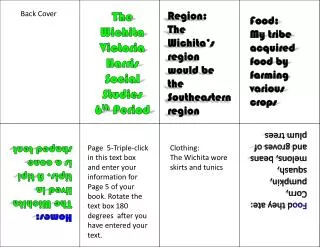
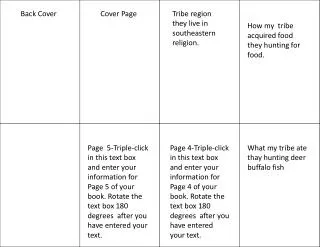
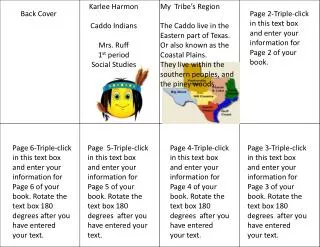
Back Cover Cover Page Page 1-Triple click in this textbox and enter your information for Page 1 of your book. Page2-Triple click in this textbox and enter your information for Page 2 of your book. Page 6-Triple click in this textbox and enter your information for Page 6 of your book. Rotate the textbox 180 degrees after you have entered your text. Page 5-Triple click in this textbox and enter your information for Page 5 of your book. Rotate the textbox 180 degrees after you have entered your text. Page 4-Triple click in this textbox and enter your information for Page 4 of your book. Rotate the textbox 180 degrees after you have entered your text. Page3-Triple click in this textbox and enter your information for Page 3 of your book. Rotate the textbox 180 degrees after you have entered your text.