Understanding Link Libraries and Procedures in Assembly Programming
This guide explores the role of link libraries and key procedures in assembly language programming. It explains how the assembler generates object files with unresolved addresses, which are then processed by the linker to create executable files. Key procedures such as Dumpregs, Writeint, Readint, and console management functions are covered, alongside how to generate random values and control program timing. The integration of these components enhances the functionality of assembly programs, making them more efficient and user-friendly.

Understanding Link Libraries and Procedures in Assembly Programming
E N D
Presentation Transcript
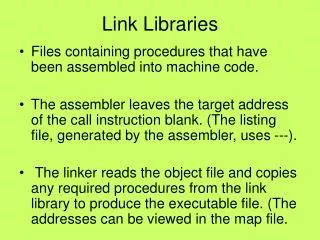
Link Libraries • Files containing procedures that have been assembled into machine code. • The assembler leaves the target address of the call instruction blank. (The listing file, generated by the assembler, uses ---). • The linker reads the object file and copies any required procedures from the link library to produce the executable file. (The addresses can be viewed in the map file.
Accessing the Linker • The linker program is embedded within the assembler package. Link32 %1.obj irvine32.lib
Procedures in the Link Library • Dumpregs- Displays registers in hex • Dumpmem- Writes a block of memory • Listing of procedures on pages 140-141.
Writing Procedures • Writeint – 32-bit signed integer in decimal • Writebin – 32-bit integer in ASCII binary • Writedec – 32-bit unsigned integer in decimal (no leading zeros) • Writehex – 32-bit unsigned integer in hex • Writechar – writes a single character • Writestring – writes a null terminated string
Read Procedures • Readint – read 32-bit signed integer from standard input • Readchar – read a single character from standard input • Readhex – read a 32-bit hex integer from standard input. No error checking • Readstring - reads a string from standard input
Console Procedures • Clrscr – clear the console and place cursor in upper left corner of screen • Crlf – write an end of line sequence to standard output • SetTextColor – sets the foreground and background colors of all subsequent text output. • Gotoxy – locate cursor at a specific location on the console. • Waitmsg – display a message and wait for the Enter key to be pressed.
More Procedures • Random32 – Generates a 32-bit pseudorandom integerin the range 0-FFFFFFFFh. • RandomRange –produces a random integer within the range of 0 to n-1. • Randomize – seeds the random number generator with a unique value. • Delay – pauses the program for a specified number of milliseconds. • GetMseconds – returns the number of milliseconds that have elapsed since midnight.